Leave, Payslips and Policy Questions by Text: A No-Code iMessage AI Agent for HR Teams
See how a no-code iMessage AI agent can answer leave, payslip, policy and onboarding questions using live HR data, approved knowledge and clear access controls.
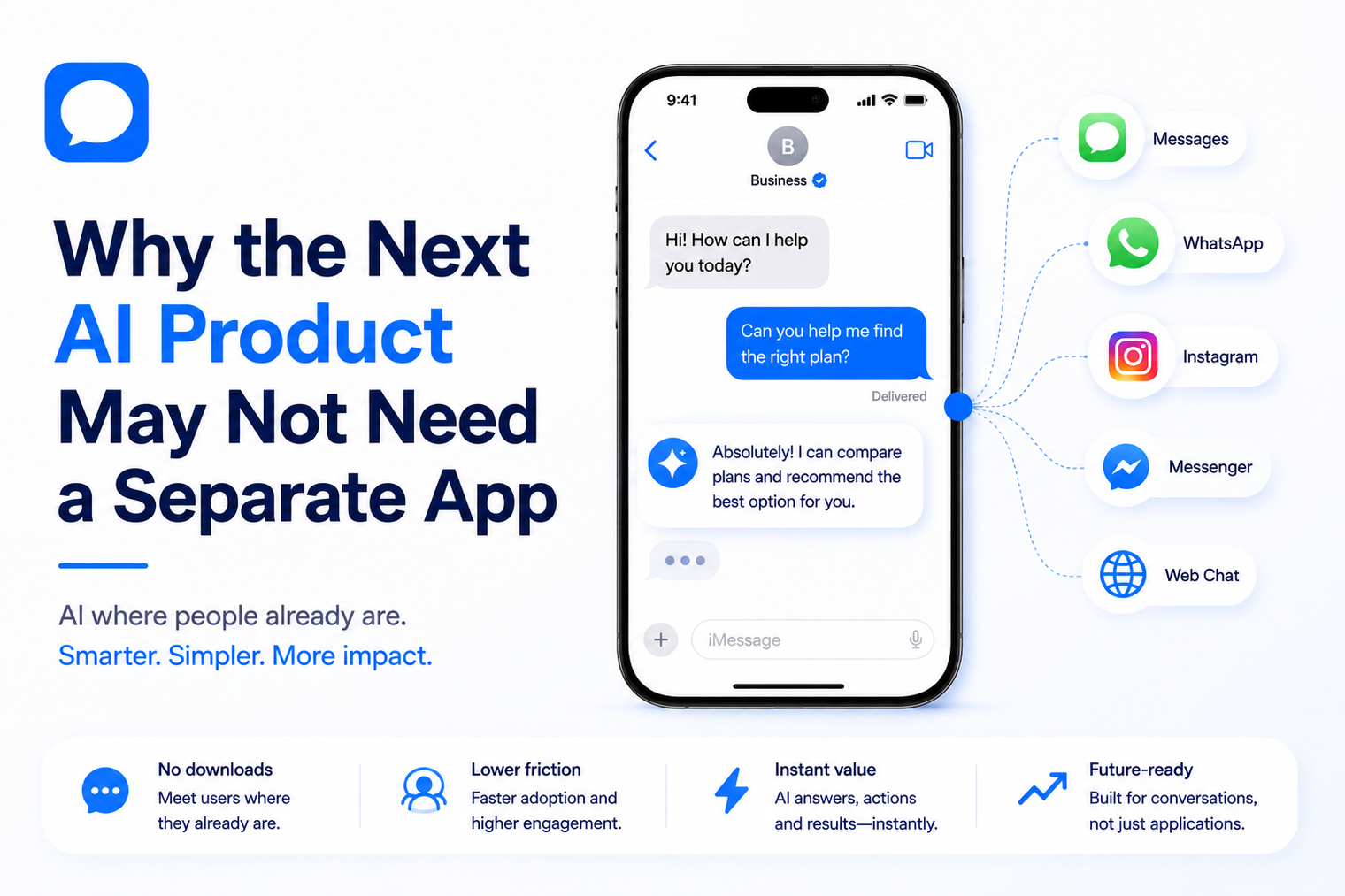
• A messaging-first AI product can remove installation, login and navigation friction for conversation-based jobs.
• The approach works best when value is delivered through short exchanges, reminders, lookups, guidance and actions.
• A separate app is still appropriate for visual, high-control or deeply interactive experiences.
• The product must be designed around conversation state, permissions, tools, memory and human handoff.
• Teams can validate a messaging experience before investing in a larger application surface.
Many AI product ideas begin with a familiar plan: design an interface, build mobile applications, create user accounts and persuade customers to install one more icon. That approach is necessary for some products. For others, it adds a layer of friction between the user and the value the AI is meant to provide.
An AI agent over iMessage offers a different product model. The customer starts with a message, receives help in the same thread and returns to the conversation whenever the need appears. There is no separate destination to remember. The messaging conversation becomes the interface.
An app is not only a software project. It is a commitment the customer must make. They have to discover it, decide it is worth downloading, create an account, grant permissions and remember to return. Every additional step can delay the first useful outcome.
The product team also inherits ongoing responsibilities: two mobile platforms, release cycles, device testing, notification settings, authentication flows, analytics, store policies and interface maintenance. Those investments make sense when the experience depends on them. They are harder to justify when the core product is simply a series of questions, answers and actions.
A messaging-first product begins closer to the user’s intent. The customer does not open a dashboard to ask for help. They send the request directly: move my reservation, summarize this update, remind me tomorrow, check my order or help me choose between two options.
A messaging product is not a smaller website copied into a chat window. It is a system designed around an ongoing thread. The interface consists of messages, replies, media, confirmations and links. The agent can ask focused questions, retrieve information, use approved tools and continue the conversation over time.
The messaging channel handles access and continuity. The AI layer interprets requests and decides how to respond. Business systems provide data and actions. Human teams handle exceptions. A reliable messaging product coordinates all four instead of treating the LLM as the entire experience.
The first interaction can begin with a simple text. There is no onboarding tour to finish before the user can ask a question. This is valuable for products whose benefit is easy to demonstrate in one exchange, such as scheduling, concierge assistance, lead intake or status updates.
The conversation remains in the message history. A customer can return to the same thread instead of searching for an app and reconstructing the context. Reminders and follow-ups can continue the relationship when they are relevant and consented to.
A conversational workflow reveals one decision at a time. The agent can ask for the missing detail, confirm the action and explain the result. This can be easier than presenting a screen with many fields, filters and navigation choices.
Some businesses already have customers who text a founder, representative or service line. Making that line programmable can preserve continuity while adding faster responses and workflow automation. MessageBlue supports teams that want to automate an existing iMessage number rather than promote an unfamiliar contact point.
A team can test demand, conversation design and operational value before building a complete application. The early product can reveal which requests are common, which tools are needed and where customers become confused. Those findings can shape a future app, or show that an app is not required.
Messaging works best when the user can express the need in ordinary language and the result can be delivered through a short answer, a confirmation or a simple action. Strong examples include:
These workflows have a clear conversational shape. The customer asks, the agent gathers missing details, an approved system performs the action and the result returns to the thread.
Messaging is not a replacement for every interface. A dedicated app is usually better when users need dense visual information, precise manipulation or a broad set of features that must be visible at once.
A hybrid model is also possible. Messaging can handle reminders, questions and lightweight actions, while a web or mobile interface handles complex review. The conversation can link the user to the exact screen required instead of asking them to navigate from the homepage.
Ask one clear question at a time. Long lists of requests create friction and increase abandonment. The agent should use information already available instead of asking the customer to repeat it.
A conversational interface can make an action feel casual even when the consequence is significant. Confirm purchases, cancellations, account changes and other sensitive actions. The confirmation should state exactly what will happen.
Static business information can come from an approved knowledge base. Current availability, order status or account details should come from a connected system. The agent must not turn an old document into a confident answer about live conditions.
Each tool should expose only the actions the agent needs. A booking assistant may require availability and reservation functions, not unrestricted access to the entire customer database. Narrow permissions reduce the impact of mistakes and simplify testing.
Some conversations require judgment, empathy or authority. Define the triggers, responsible team, context package and response expectation. A handoff should transfer the customer’s details and conversation summary so the person does not need to start again.
Memory can make a recurring conversation more useful, but it needs boundaries. Decide which preferences are durable, how users can correct or forget them and which details should never be retained. Do not use full transcript storage as a substitute for deliberate memory design.
Teams that need custom logic can use an iMessage API for developers to connect their own model, tools and workflow rules. Teams testing a simpler concept can begin with a no-code iMessage AI agent and move into code as requirements become clearer.
| Question | Messaging-First Signal | App-First Signal |
|---|---|---|
| What is the main user action? | Ask, answer, confirm or request | Create, explore, compare or manipulate |
| How much information must be visible? | One decision at a time | Many items at once |
| How often will users return? | When a need or reminder occurs | Frequent active sessions |
| Does the workflow need device features? | Minimal | Camera, sensors, offline data or complex notifications |
| Can value be shown in one conversation? | Yes | No, the interface is central to the value |
| How complex are permissions? | A few narrow actions | Many roles, screens and settings |
8. Choose one high-frequency problem with a clear successful outcome.
9. Write the ideal conversation path, required data, tool actions and escalation rules.
10. Build a small test experience using approved knowledge and limited permissions.
11. Invite a controlled group of users and observe where the conversation succeeds or stalls.
12. Measure time to first value, task completion, human intervention, repeat usage and user clarity.
13. Decide whether messaging is sufficient, should complement an app or has revealed requirements for a dedicated interface.
The goal is not to prove that every product belongs in messaging. The goal is to test the cheapest credible version of the customer experience before committing to a larger interface investment.
· Copying a website menu into a chat flow.
· Using long replies when a short answer and one question would be clearer.
· Allowing the model to claim that an action succeeded without tool confirmation.
· Sending proactive messages without appropriate consent, relevance and frequency controls.
· Giving the agent broad system access before the workflow is proven.
· Treating human handoff as an emergency patch instead of part of the product.
· Assuming the messaging channel removes the need for monitoring, analytics and support ownership.
A separate app should be a product requirement, not a default assumption. When the customer’s goal can be expressed in a message and completed through a short sequence of replies and actions, messaging may provide the faster and more natural interface.
Start with the customer’s job, not the channel. Test whether a conversation can deliver the outcome clearly, safely and repeatedly. The result may be a complete messaging product, a companion to a larger application or a focused validation layer that helps the team build the right app later.
Yes, when the core value can be delivered through conversation, simple media and approved actions. Products that require rich visual controls or complex exploration may still need a dedicated app.
Concierge services, support agents, booking assistants, lead qualifiers, coaching products, onboarding helpers and status workflows are strong candidates because their value fits a sequence of short exchanges.
A messaging-first iMessage experience does not require a separate product app. The customer interacts through the Messages app already available on supported Apple devices.
Yes. Early conversations can reveal the most valuable workflows and help a team decide which features deserve a dedicated interface. Messaging can also remain as a companion channel after an app launches.
Choose one narrow problem, define the successful outcome, connect only the required knowledge and tools, establish human handoff and test with a controlled user group before expanding.
Connect any LLM to a real blue-bubble number and go live in minutes.
Deploy an Agent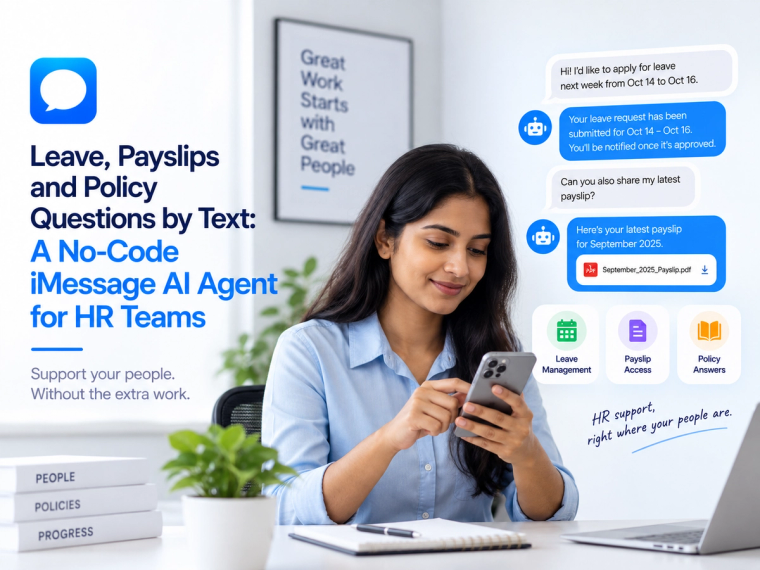
See how a no-code iMessage AI agent can answer leave, payslip, policy and onboarding questions using live HR data, approved knowledge and clear access controls.
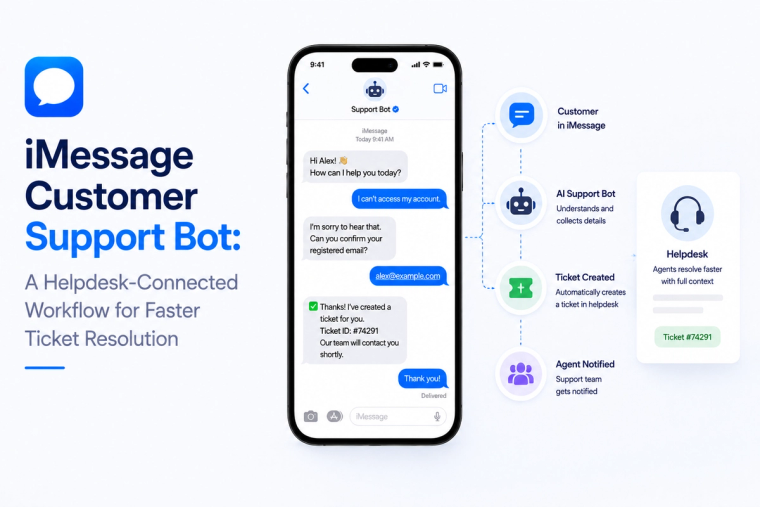
Design an iMessage customer support bot that reads helpdesk data, creates tickets, handles status questions and escalates complex cases with full conversation context.
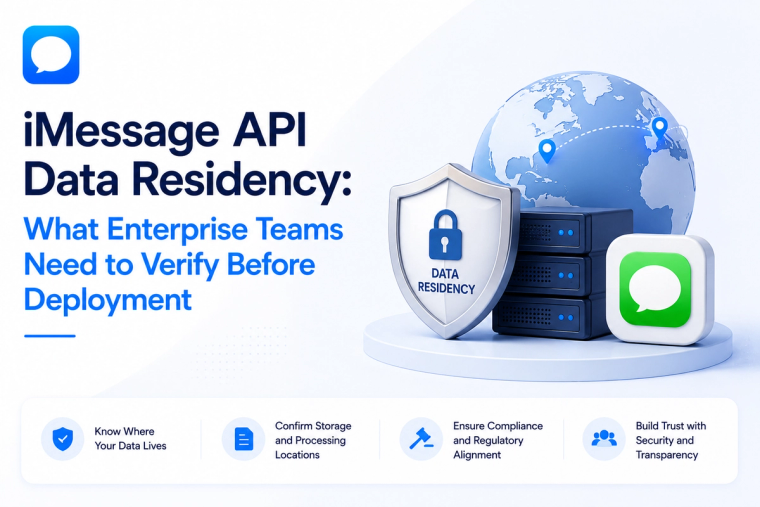
Evaluate iMessage API data residency across message content, logs, backups, keys, model providers, integrations and deployment boundaries before enterprise rollout.