From Text to Task: How an iMessage AI Agent Can Run Project Workflows
Learn how an iMessage AI agent can capture tasks, check project status, update issues and route work through Jira, Linear, ClickUp and other project systems.
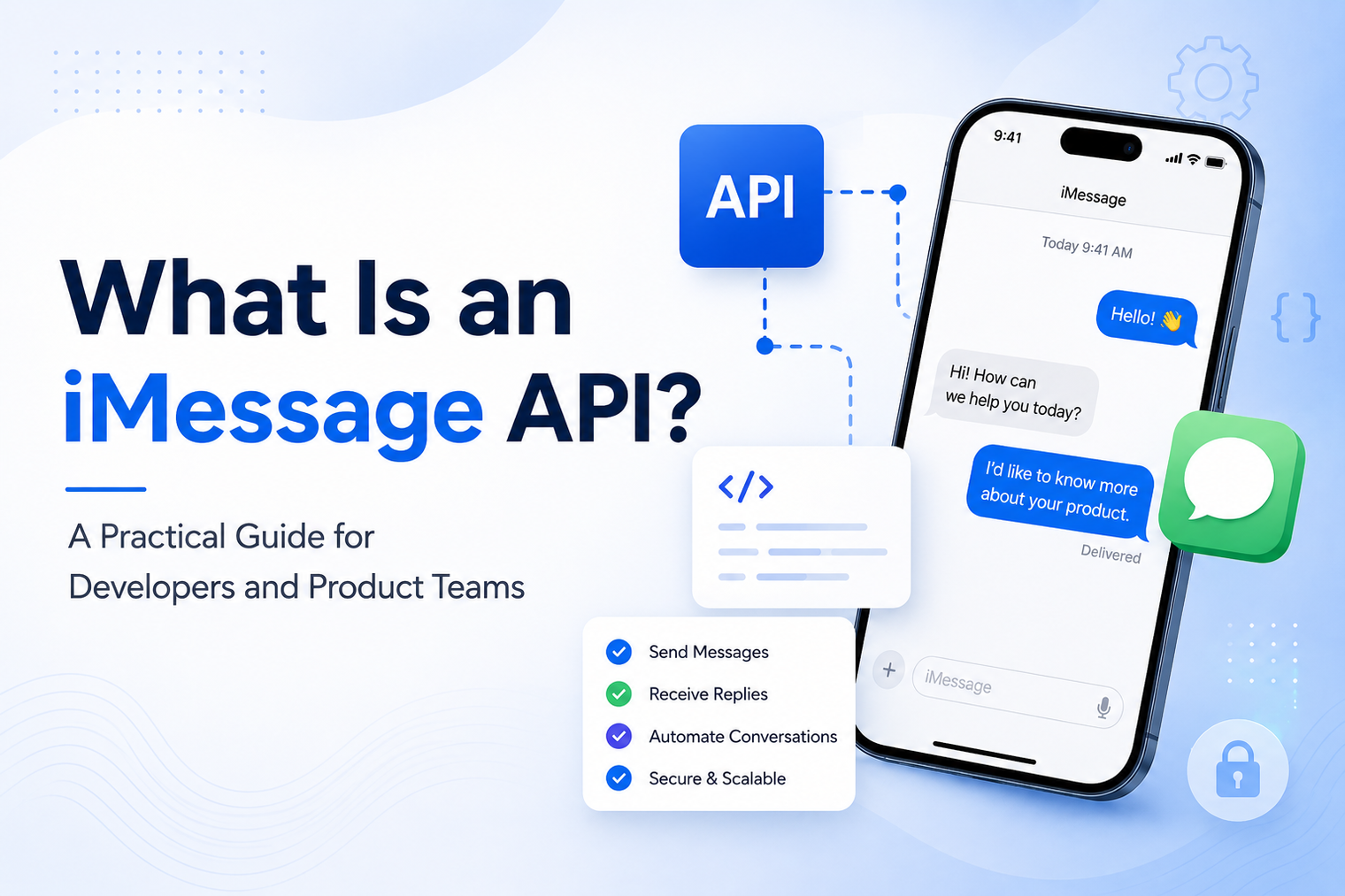
• An iMessage API is a delivery and event layer between your application and an iMessage conversation.
• Two-way support matters. Sending is only half the workflow. Replies, delivery events, reactions and errors must also reach your system.
• Apple Messages extensions, Messages for Business and third-party iMessage APIs solve different problems.
• Reliability depends on webhooks, retries, logging, idempotency and clear fallback behavior.
• The right provider should match your deployment, security, number and workflow requirements.
An iMessage API gives software a structured way to send, receive and automate iMessage conversations. Instead of asking a person to type every reply on an Apple device, an application can trigger messages from product events, route incoming replies to business logic and continue the conversation through code.
That sounds simple, but the term can be confusing. Apple provides tools for iMessage apps and a separate Messages for Business experience. Neither should be casually treated as a general server-side messaging API for any application. In practice, teams searching for an iMessage API are usually looking for infrastructure that connects their software, AI agent or workflow to a real iMessage-enabled number.
What is an iMessage API?
An iMessage API is an application programming interface that lets one software system request messaging actions from another. A developer might call an endpoint to send a message, receive a message ID in response and then listen for webhook events that report delivery activity or an inbound reply.
The API itself is not the intelligence behind the conversation. Your application, CRM, rules engine or AI model decides what should happen. The messaging provider handles the connection to the iMessage channel, the sending number, message transport and supported conversation events.
For example, a product can send an order update when a shipment changes status. If the customer replies with a question, the reply can be pushed to your endpoint. Your system can look up the order, generate an answer and send the response back through the same conversation.
Developers evaluating this architecture can explore MessageBlue's iMessage API for developers, which is designed for programmatic sending, receiving and event-driven workflows.
Apple's public Messages framework is primarily documented for building iMessage apps, sticker packs and app extensions that operate within the Messages experience. Apple also offers Messages for Business, which lets customers start conversations with participating businesses through supported Apple surfaces and business entry points.
Those products are valuable, but they are not interchangeable with a general-purpose API that lets a server automate ordinary iMessage conversations from a programmable number.
When a product team says it needs an iMessage API, it usually means one or more of the following:
• Send a blue-bubble message after an event in a website, app or CRM.
• Receive replies through a webhook instead of checking a phone manually.
• Connect an AI agent or custom workflow to a conversation.
• Use an existing iMessage number where the provider supports it.
• Track delivery states, errors and replies correctly.
Clarifying the desired workflow first prevents teams from choosing a tool that uses the word “Messages” but solves a different problem.
A typical two-way workflow has six parts.
A product event, employee action, scheduled workflow or AI agent decides that a message should be sent. The application prepares the recipient, message content and any relevant metadata.
The application sends an authenticated request to the provider. A well-designed API returns a unique message identifier, an accepted or failed state and enough detail for your system to log the request.
The messaging infrastructure attempts delivery through iMessage. Some platforms can use SMS or RCS as a fallback when iMessage is unavailable. The exact behavior, geographic support and recipient experience should be confirmed before launch.
Delivery changes, inbound messages and supported conversation signals are sent to your webhook endpoint. Webhooks make the workflow event-driven, so your application does not need to keep polling for every update.
A reply might open a support ticket, update a CRM, notify a sales representative, run a database lookup or pass the message to an AI model. Complex or sensitive conversations should include a clear human-handoff path.
The reply is sent through the API and remains part of the conversation. This loop can continue as long as the workflow, user consent and provider rules allow.
At minimum, a production-ready service should do more than expose a send endpoint.
| Capability | Why it matters |
|---|---|
| Two-way messaging | Incoming replies can trigger the next step instead of becoming a dead end. |
| Webhooks | Message events reach your application in near real time. |
| Retries and replay | Temporary endpoint failures do not silently remove important events. |
| Delivery and error states | Your team can distinguish accepted, delivered, failed and fallback outcomes. |
| Number management | You understand whether numbers are new, dedicated, shared or existing business lines. |
| Logs and observability | Developers can troubleshoot a missing reply or failed message without guesswork. |
| Security controls | API keys, webhook verification and access controls reduce unauthorized activity. |
| Media and conversation features | Images, voice notes, group messages, reactions or typing indicators may matter for the use case. |
A notification product may prioritize delivery visibility. An AI assistant needs stable inbound events and human escalation. A regulated enterprise may care more about private networking, retention and data location.
The best use cases are conversational and connected to a real workflow.
An AI product can place its agent inside iMessage, letting customers ask questions without installing another app. The message goes to the application's model and tools, while the messaging layer handles transport. Teams exploring this model can review how MessageBlue supports AI agents that live in iMessage.
SaaS platforms can send onboarding prompts or account updates, support teams can answer routine questions and escalate exceptions, and sales teams can route replies after demos or quotes. Where supported, a business can also automate an existing iMessage number while the person behind it continues texting manually.
An iMessage API can reduce interface friction because the customer can continue a conversation in a familiar inbox. It also creates workflow continuity, since a reply can update a CRM, trigger product logic or alert an employee instead of remaining isolated on one phone.
Developers retain flexibility to connect their preferred database, CRM, AI model or orchestration framework. Automation handles routine updates and first-line questions, while people focus on cases that require judgment, empathy or approval.
An iMessage API is not a reason to message people without permission. Consent, relevance, frequency and applicable communication laws still matter. A platform that removes one form of carrier registration does not remove every legal or trust obligation.
Channel availability also varies. Not every recipient can receive iMessage, and fallback behavior may differ by country, carrier, number type and provider. Test the actual customer journey instead of assuming every message will remain a blue bubble.
Self-hosted setups may offer control, but they also place hardware, monitoring, updates and failure recovery on your team. Managed infrastructure reduces that work, but requires careful review of reliability and security boundaries. Webhooks may also be retried, so endpoints should verify requests and process events idempotently to avoid duplicate actions.
Use a workflow-based checklist rather than comparing only price or a homepage feature list.
1. Confirm true two-way support. Ask how inbound replies, delivery events, reactions and media are represented.
2. Review webhook behavior. Check signing, retry schedules, replay tools, duplicate handling and logs.
3. Understand the number model. Determine whether you receive a new line, a dedicated line or support for your existing number.
4. Test the developer experience. Look for a sandbox, clear authentication, predictable errors and usable SDKs.
5. Examine fallback rules. Confirm when SMS or RCS is used, how the API reports the channel and what regions are supported.
6. Check operational safeguards. Ask about rate limits, anti-spam controls, line health, isolation and incident visibility.
7. Map security to your requirements. Review encryption, key management, data retention, access control, auditability and deployment options.
For organizations that need infrastructure inside their own security boundary, evaluate whether the provider offers a private or self-hosted iMessage API deployment rather than assuming every workload must use shared cloud infrastructure.
MessageBlue positions itself as the messaging infrastructure between your application and the iMessage conversation. Developers can use a REST API, SDKs and webhooks to send messages, receive replies and connect conversation events to their own systems.
The platform also supports AI-agent workflows, no-code agent creation, existing-number automation and private enterprise deployment paths. Your product owns the prompt, rules, data, tools and escalation policy. MessageBlue handles the programmable messaging layer and supported delivery events.
An iMessage API should give your product more than a send button. It should provide a reliable event loop that connects messages, replies and business actions without forcing your team to operate the underlying messaging infrastructure.
Start building with the MessageBlue iMessage API and test how a real two-way conversation fits your product.
Apple publishes the Messages framework for iMessage apps and extensions, plus Messages for Business for approved business conversations. Its public documentation does not describe a general-purpose server-side API for any application to send and receive ordinary iMessage conversations. Managed iMessage API providers address that separate infrastructure need.
Yes, when it is connected to suitable iMessage infrastructure. The website or SaaS backend calls the provider's API, and the provider routes the message through an iMessage-enabled number.
Most two-way providers send an HTTP webhook event to your server. Your application verifies the request, records the event and decides whether to reply, update another system or escalate to a person.
That depends on the architecture. DIY approaches often rely on Apple hardware and local automation. A managed provider can abstract that infrastructure so the product team integrates through an API instead of operating the hardware directly.
No. Messages for Business is Apple's structured channel for customers to contact participating businesses. An iMessage API commonly refers to third-party infrastructure that makes an iMessage-enabled number programmable for application workflows.
Yes. The API transports incoming and outgoing messages. The AI model, retrieval system, tools and safety rules remain inside your application or configured agent platform.
Connect any LLM to a real blue-bubble number and go live in minutes.
Deploy an Agent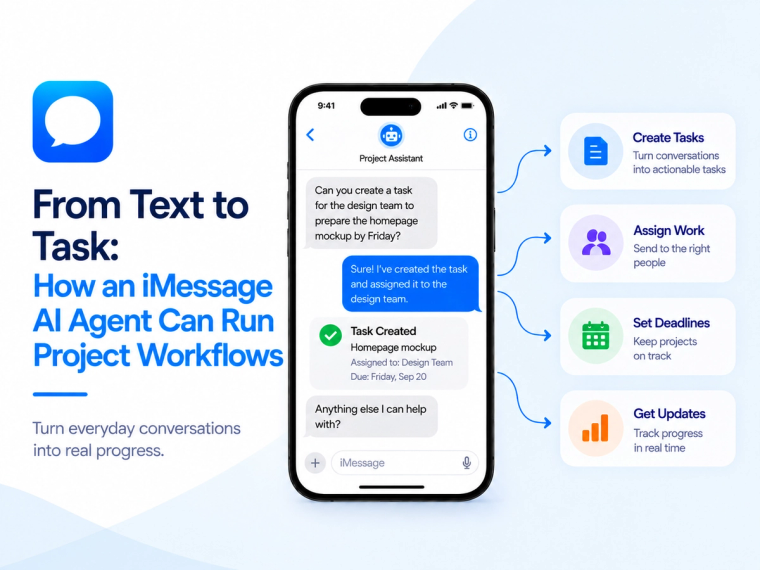
Learn how an iMessage AI agent can capture tasks, check project status, update issues and route work through Jira, Linear, ClickUp and other project systems.
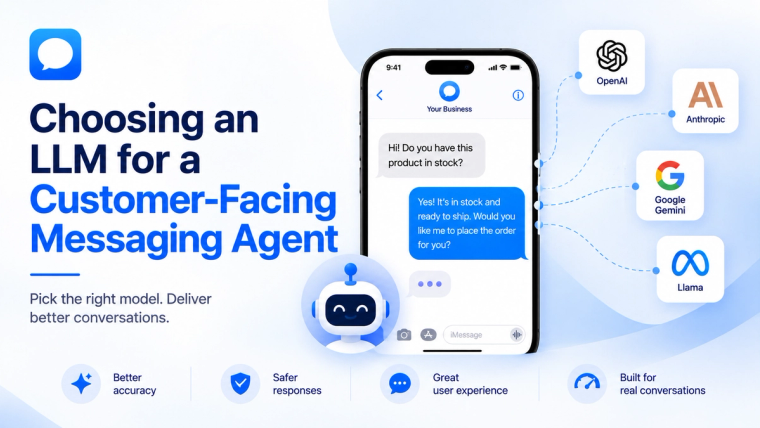
Learn how to evaluate an LLM for a customer-facing messaging agent based on response quality, speed, cost, safety, tools, memory and escalation needs.
Learn how to prepare, structure, test and maintain business knowledge so an iMessage AI agent gives accurate answers and knows when not to guess.