Choosing an LLM for a Customer-Facing Messaging Agent
Learn how to evaluate an LLM for a customer-facing messaging agent based on response quality, speed, cost, safety, tools, memory and escalation needs.

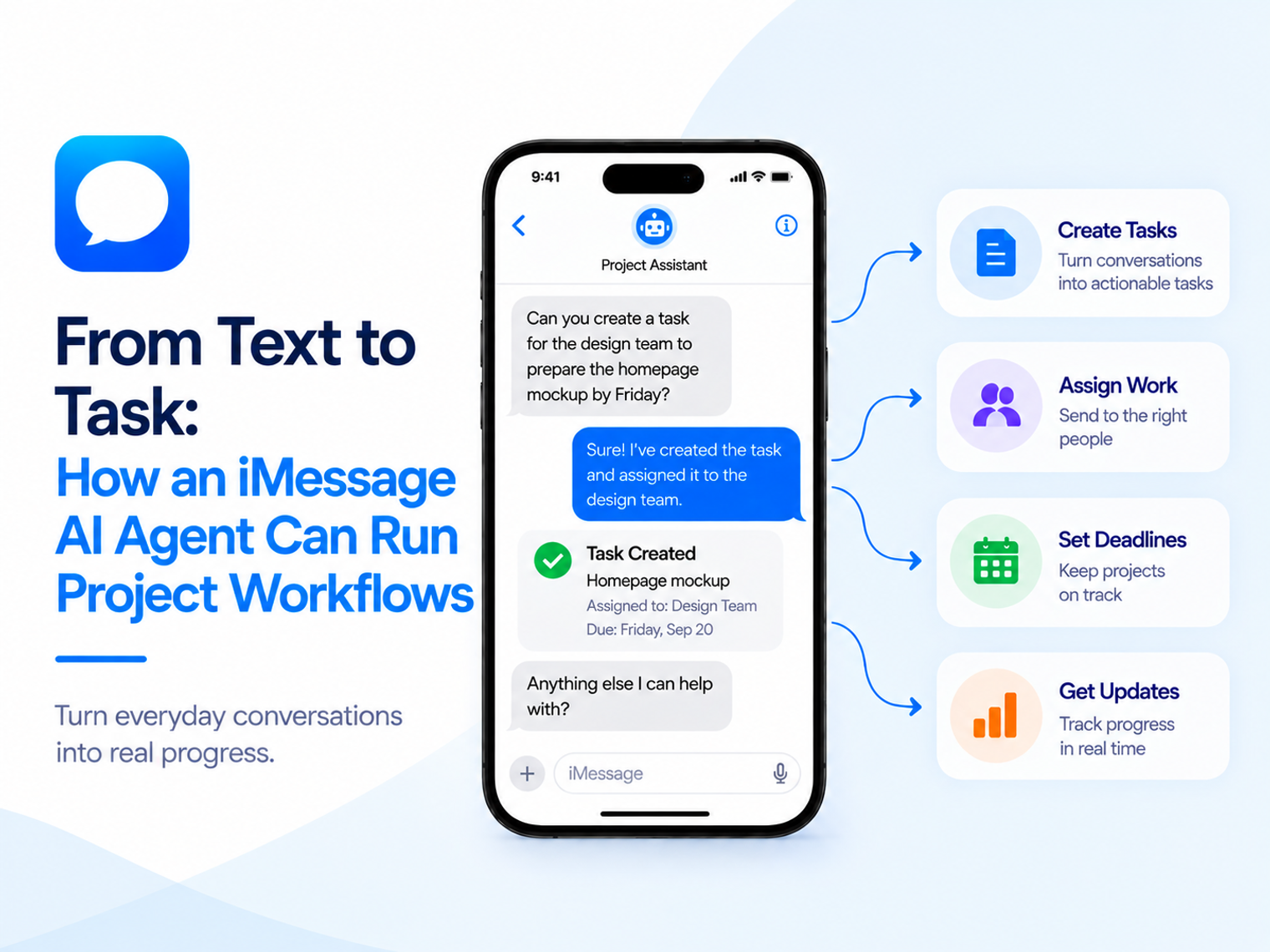
Project work is often lost in the gap between noticing something and opening the system where it belongs. A founder spots a launch blocker between meetings. A field technician sees a problem on site. An engineer remembers a follow-up while walking away from a call. By the time someone opens Jira, Linear, ClickUp or another tracker, the detail may be shortened, postponed or forgotten.
An iMessage AI agent can make that capture moment much smaller. Instead of asking people to stop what they are doing, find the right project and complete a form, the team can text a number with the information they already have. The agent interprets the request, checks the connected project system, asks for missing details when necessary, and performs only the action it is authorized to take.
The useful idea is not to replace the project tracker with a chat thread. The tracker should remain the system of record. iMessage becomes a lightweight operating surface for moments when opening the full project tool creates more friction than value.
A well-designed project agent can handle a narrow set of high-frequency actions that map cleanly to the underlying project system. The conversation stays simple, while the structured record remains in the tool your team already uses.
· Capture work: turn a natural-language message into a task, issue or request with a useful title and description.
· Clarify before writing: ask for the project, owner, priority or due date when the instruction is ambiguous.
· Check live status: answer questions about open work, blockers, owners and recent changes using current project data.
· Update existing items: add a comment, move status or change a field when the sender has permission to do so.
· Route work: assign the item to the right team or person based on clear rules rather than leaving it in an unowned inbox.
· Confirm the result: return the issue key, owner and state so the sender knows exactly what changed.
That combination creates a useful interface for project work without asking the messaging layer to become a second project database.
Most project systems are optimized for structured work once someone is inside them. The weakness usually appears before that point. The person who notices the problem may be standing in a warehouse, leaving a client site, moving between meetings or using a phone with limited time. A detailed issue form is reasonable for planned work, but it can be excessive for the first thirty seconds after a problem is discovered.
That creates three types of leakage. First, work never gets captured. Second, it gets captured later with less context. Third, it gets recorded in an informal channel such as personal notes or a team chat and never reaches the system used for prioritization and reporting.
A conversational intake layer helps because it shortens the distance between observation and record creation. The person can describe the situation in the language they naturally use. The agent can then convert that message into the structure the project system expects.
A reliable workflow becomes easier to reason about when three responsibilities stay separate. The conversation layer understands what the person is asking. The action layer decides which approved tool operation is allowed. The project platform stores the final state.
| Layer | Primary job | Should contain | Should not become |
|---|---|---|---|
| Conversation | Interpret intent | Message context, clarification, concise response | A hidden second project database |
| Action policy | Control permitted operations | Permissions, confirmations, routing rules | Unlimited tool access based on prompt text |
| Project system | Hold operational truth | Issues, owners, status, comments, dates | A passive archive updated only later |
This separation matters when an AI model is involved. The model can help interpret a sentence such as “checkout is failing again on Safari,” but the model should not invent the destination project, priority or assignee. Those decisions should come from known context, routing rules or a clarification question.
Not every project-management action belongs in messaging. The best candidates are short, frequent and easy to confirm. Six patterns cover a large share of practical value.
The sender describes the work in ordinary language. The agent extracts the core task, checks the default project or asks which project to use, and creates a structured item. A useful title should be brief enough to scan later, while the description preserves the original context.
For example, “raise a bug, checkout fails on Safari when promo code is blank” can become a titled issue with the browser, failure condition and reproduction detail preserved. If the team has a routing convention for checkout issues, the agent can apply it. If not, it should avoid guessing.
Many updates do not justify opening the full tracker. A person might text, “add to WEB-812 that it also happens on iPhone,” or “comment that the vendor confirmed Friday delivery.” The agent should locate the exact record and append the update without changing unrelated fields.
This is especially useful for teams that collect information from calls, site visits or customer conversations. The message becomes part of the formal work history while the detail is still accurate.
Status changes affect dashboards and downstream work, so the agent should be explicit. If someone says “mark the checkout bug done,” a confirmation can restate the issue key and proposed status before the write occurs. Low-risk transitions may be automated under a team policy, while unusual transitions can require a second message.
The same principle applies to priority, assignee and due-date changes. The more a field influences planning or accountability, the stronger the confirmation should be.
A project agent is not only a write interface. It can be a concise read interface for people who need current state without opening a board. Questions such as “what is still open for launch?”, “what has not moved this week?” or “what is Priya blocked on?” can be translated into structured queries against the connected system.
The response should be designed for a phone. Return the few items that matter, include identifiers and state, and offer a narrower follow-up if the result set is large. A thirty-line dump defeats the purpose of the interface.
Frontline and field teams often generate valuable operational information but may never open the project tool. A shared intake number can let them report an equipment fault, site issue, inventory problem or customer request. The agent then routes the item into the correct project and queue.
This workflow is strongest when the routing taxonomy is simple and known. If a message could belong to multiple teams, the agent should ask one focused question instead of making a confident but incorrect assignment.
A read request can naturally lead to a write request. After showing three overdue tasks, the agent might let the user reassign one, add a comment or create a follow-up. This creates an efficient loop: understand the state, decide, then update the system without switching interfaces.
Natural language is flexible, but the project API expects structure. Before any write action, the workflow should translate the message into a small internal object. The exact fields vary by tool, but the pattern is consistent.
| Incoming message | Detected intent | Required fields | Safe response |
|---|---|---|---|
| “Add a bug for the checkout crash.” | Create issue | Project, title, description | Ask for missing project if no default exists |
| “Give it to Priya.” | Assign issue | Issue ID, assignee | Confirm which active issue if context is unclear |
| “What is blocked for launch?” | Query issues | Project or filter | Return a short live list with issue IDs |
| “Mark WEB-812 done.” | Change status | Issue ID, target state | Confirm if the transition is high impact |
| “Comment that vendor ships Friday.” | Add comment | Issue ID, comment text | Write only to the matched item |
This intermediate structure makes the workflow easier to test. You can validate extraction, permission and action separately rather than debugging one opaque prompt that tries to do everything at once.
MessageBlue's current project-management integration model supports two useful patterns. A shared connection can be appropriate for a company intake line where all requests land in one workspace. A person-level connection is more appropriate when actions should inherit the sender's existing project permissions and attribution.
The choice changes more than authentication. It affects who appears as the issue creator, which projects can be seen, what can be edited and how audit trails read later. Teams should choose the connection model before designing the conversation because permissions determine what the agent can safely promise.
A no-code iMessage AI agent is a practical starting point when the workflow uses supported project tools, a clear prompt, bounded permissions and a small set of actions. Teams can connect the required services, define what the agent should do, and test the experience before building custom infrastructure.
A custom implementation becomes more useful when routing depends on proprietary business logic, when several internal systems must be coordinated, or when the company needs its own event processing and observability. In that case, an iMessage API for developers can provide the messaging layer while the company's application decides what happens after each inbound event.
The two paths do not represent different product philosophies. They represent different levels of control. A bounded internal workflow may be faster to prove with no code, while a complex platform workflow may justify custom logic from the beginning.
Teams may also choose to place the workflow on a familiar line instead of introducing another contact. MessageBlue supports the ability to bring your own iMessage number, which can be useful when staff already know where to text operational questions or when a founder wants one trusted thread for quick internal actions.
The number strategy should still match the workflow. A company-wide intake number is easier to document and support. A personal number may fit a founder or field lead. What matters is that ownership, manual use and automation rules are clear before the agent goes live.
Text is convenient, which can tempt teams to expose too much. Some project actions are better left in the full application or placed behind stronger approval.
· Bulk closing or deleting many issues from one natural-language instruction.
· Changing ownership across teams when the routing rule is unclear.
· Editing sensitive fields that affect billing, compliance or customer commitments without explicit confirmation.
· Returning project information to a sender whose identity or permissions cannot be established.
· Creating dozens of near-duplicate tasks because retries or repeated messages are not deduplicated.
· Letting the model invent project names, deadlines or priority when the system cannot verify them.
A strong agent is intentionally limited. Useful automation removes repetitive interface work, not the controls that make project data trustworthy.
1. Choose one team and two or three actions, such as create issue, check status and add comment.
2. Define identity and permission rules before writing the conversational prompt.
3. Map natural-language intents to explicit tool actions and required fields.
4. Create confirmation rules for assignment, status, priority and due-date changes.
5. Test ambiguous names, missing projects, duplicate messages, unavailable tools and permission failures.
6. Pilot with people who regularly work away from a desk, because they expose the real value and the real friction quickly.
7. Measure whether tasks are captured earlier and with better context, not only how many messages the agent receives.
The best project-management metrics focus on the quality and timing of the operational record. Conversation volume by itself says little.
· Time from observation to task creation.
· Percentage of created issues that require manual cleanup.
· Rate of ambiguous requests that need clarification.
· Number of duplicate or reverted writes.
· Usage by workflow type, such as capture, query, update and comment.
· Change in missing tasks or stale project status for the pilot team.
If people send many messages but the tracker becomes noisier, the workflow is not improving operations. If fewer issues are forgotten and the board reflects current reality sooner, the text interface is earning its place.
MessageBlue's current project-management integrations include tools such as Jira, Linear, ClickUp, Monday.com, Azure DevOps, GitHub, BitBucket and Google Tasks. The platform can let an agent read or act on connected project data, while teams decide whether the connection is shared or tied to an individual account.
For teams building broader programmable iMessage workflows, the project agent can also sit beside CRM, calendar, helpdesk and knowledge connections. That matters because real work rarely stays inside one application. A project task may begin with a customer message, depend on a document, and end with a calendar commitment.
A project-management agent is valuable when it reduces the time between “someone noticed something” and “the team can act on it.” The conversation should stay lightweight, but the record behind it should remain structured, permission-aware and current.
That is the right role for an iMessage interface: capture a thought before it disappears, retrieve live project state when someone needs it, and complete a bounded action without forcing a context switch. The project tool keeps the truth. The text thread simply makes that truth easier to reach.
Yes, when the project platform is connected and the agent has permission to create items. The workflow should still define the target project, required fields and what happens when the instruction is incomplete.
Yes, supported project workflows can include actions such as adding comments, changing fields or moving status. High-impact changes should use explicit confirmation and preserve the existing permission model.
No. A person-level connection is useful when the agent should inherit each user's existing access. A shared connection is more appropriate for a controlled intake workflow where everyone submits into the same approved workspace.
Yes. The tracker remains the system of record for planning, reporting, ownership and history. The iMessage agent is a faster interface for selected actions, especially when someone is away from a desk.
No. The same pattern can work for operations, field service, construction, events, internal requests and other teams that need to capture and update structured work while moving between locations.
Connect any LLM to a real blue-bubble number and go live in minutes.
Deploy an Agent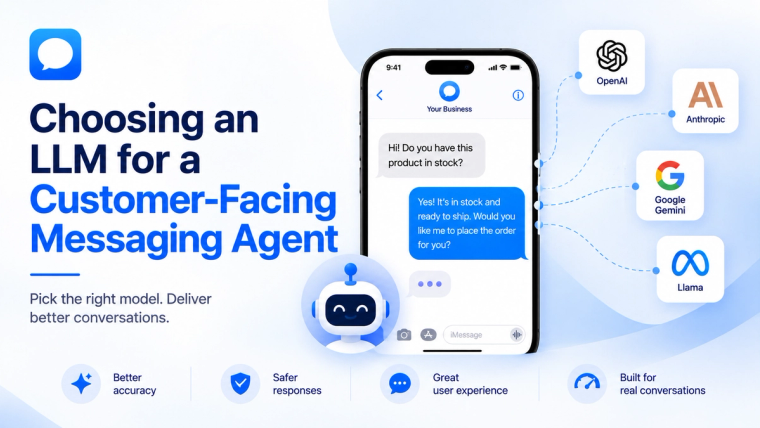
Learn how to evaluate an LLM for a customer-facing messaging agent based on response quality, speed, cost, safety, tools, memory and escalation needs.
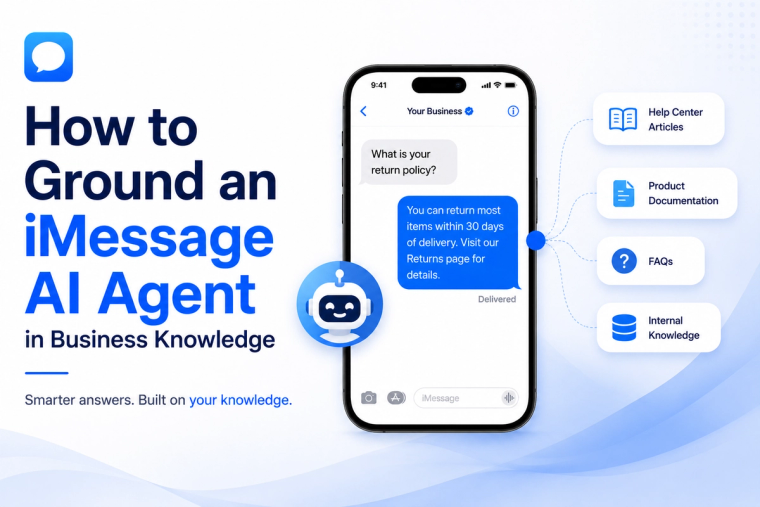
Learn how to prepare, structure, test and maintain business knowledge so an iMessage AI agent gives accurate answers and knows when not to guess.
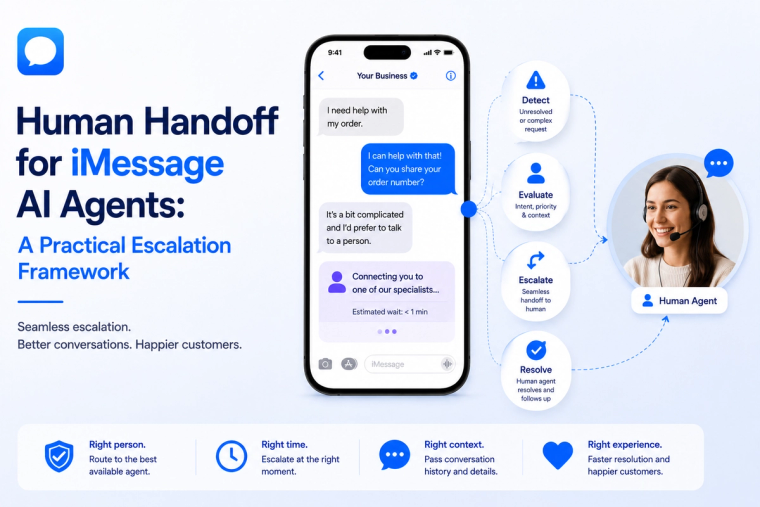
Design a reliable human handoff for an iMessage AI agent with clear triggers, ownership, context transfer, CRM routing and safe conversation recovery.