From Text to Task: How an iMessage AI Agent Can Run Project Workflows
Learn how an iMessage AI agent can capture tasks, check project status, update issues and route work through Jira, Linear, ClickUp and other project systems.

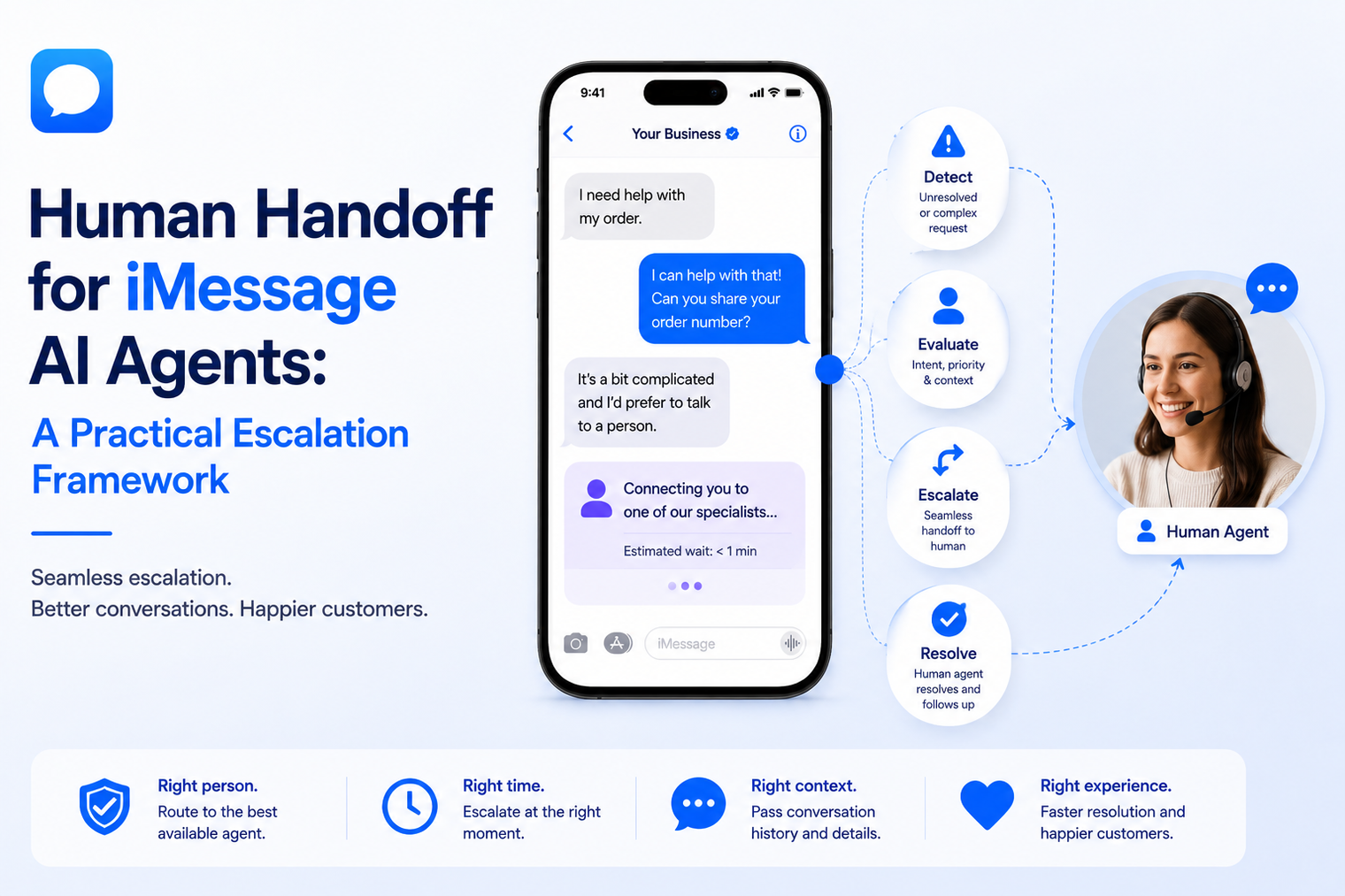
· Human handoff should be designed as a conversation state, not as a final apology from the agent.
· Escalation triggers should cover customer choice, low evidence, emotional signals, authority limits, risk and failed task completion.
· The receiving person needs a concise transfer packet that includes the reason, summary, customer intent, relevant data and next action.
· Automation must pause or change behavior while a person owns the thread so the customer does not receive conflicting replies.
· The workflow should define how the agent can resume after resolution without pretending the handoff never happened.
An AI agent should not try to win every conversation. Some customers need judgment, reassurance, account access, negotiation or an exception that only a person can provide. The quality of the experience depends less on whether escalation exists and more on whether the transfer happens at the right moment with enough context for the human to continue.
A strong handoff is a controlled change of ownership. The customer stays in one conversation, the agent stops competing for the thread, the assigned person understands what has already happened and the system records who is responsible for the next action. This guide provides a practical framework for designing that transition for an AI agent over iMessage.
Human handoff is the process of transferring responsibility for a live conversation from an automated agent to a named person or team. It can happen because the customer asks for someone, the agent detects a risk, the workflow reaches an approval point or the automated task fails.
MessageBlue positions conversational AI for iMessage as a model-agnostic workflow in which inbound messages reach an application or agent and replies return through the messaging layer. The product page also presents support scenarios that resolve routine questions and hand off to a human when needed. The implementation team still has to define the handoff policy, ownership and customer experience.
The transfer does not have to move the customer to another channel. In many cases, the best experience is for the person to enter the same iMessage thread, review the context and continue from the number the customer already recognizes.
Many early agents use one escalation instruction: send the conversation to a human when the model is unsure. That rule is too narrow. A model can be confident about a response that the business does not allow it to make. It can understand the question but lack account permission. It can also complete the task technically while failing to recognize that the customer is upset or wants reassurance from a person.
Handoff design therefore needs several trigger types, a routing policy and a clear state model. Without them, the customer may wait without knowing what happens next, receive two voices at once or repeat the entire issue after the transfer.
| Trigger class | Examples | Recommended action |
|---|---|---|
| Customer choice | “Can I speak to someone?” or repeated refusal of automated help | Honor the request and confirm the transfer |
| Evidence limit | No approved answer, conflicting sources or missing live data | Collect only necessary context and escalate |
| Authority limit | Refund, discount, exception, approval or binding commitment | Route to the owner with approval rights |
| Risk or sensitivity | Safety, legal threat, health information, suspected fraud or privacy concern | Stop routine automation and use the approved specialist path |
| Emotional signal | Anger, distress, repeated confusion or loss of trust | Acknowledge the concern and prioritize human response |
| Task failure | Tool error, unavailable system or repeated unsuccessful attempts | Explain the issue and transfer with technical context |
Write triggers as observable conditions. “Escalate complex requests” is not testable. “Escalate when the customer requests a refund, asks for an exception, provides a legal complaint or fails account verification twice” can be reviewed and tested.
Include direct requests for a person. Customers should not have to argue with the agent to reach human support. Also include workflow-specific limits, such as a quote above a threshold or a medical question outside administrative scheduling.
The transition message should be honest and useful. State that a person is taking over, explain what has already been captured and set a realistic expectation for the next step. Do not promise an immediate reply unless the routing system can support that promise.
A good transition may read: “I can help with general policy questions, but this request needs an account specialist. I have shared your order number and the issue you described. A specialist will continue here.”
The person should not have to read a long transcript before understanding the problem. Create a structured handoff summary that travels with the conversation. The transcript remains available for detail, but the summary tells the receiving team what to do first.
· Customer identity or contact reference, subject to the correct privacy controls.
· The customer's immediate goal in one sentence.
· The reason the agent escalated.
· Facts already collected and any validation completed.
· Actions already attempted, including tool errors or failed checks.
· The required owner, priority and suggested next action.
· Any promise made to the customer about timing or follow-up.
A conversation should have a visible owner state. “Assigned to support” is not enough when several people may assume that someone else is responding. The system should identify the queue, the person who accepted the conversation and the time at which responsibility changed.
When the message comes through a supported existing line, ownership may belong to the representative who normally uses that number. A workflow built around a programmable iMessage number can notify that representative, transfer to another team or apply a fallback queue while keeping the customer in the same recognized thread.
Once a human accepts the conversation, the general agent should stop sending normal answers. Scheduled follow-ups, AI-generated suggestions and other automation should respect the ownership state. Otherwise the customer may receive an automated reply while the person is typing, or a sequence may continue after the issue has been resolved.
The system can still assist behind the scenes by drafting a response, retrieving approved information or suggesting the next step. The important rule is that only one layer controls customer-visible output at a time.
Handoff is a waiting experience as well as a routing event. Confirm that the request has been transferred and provide a useful expectation. If response time changes, send a truthful update instead of leaving the customer uncertain.
For off-hours conversations, the agent can collect the minimum information needed for a productive response and state when the appropriate team is available. Avoid gathering sensitive details that the human does not need.
The person should mark the outcome, not simply stop replying. Record whether the issue was resolved, a follow-up was scheduled, a case was created or another team became responsible. This closes the operational loop and provides training data for improving the agent.
Resolution notes should be structured enough to analyze. Free-form notes alone make it difficult to identify repeated escalation reasons or missing knowledge.
After the human completes the task, the agent may return for routine questions, reminders or status updates. The resumption should be explicit in system state even when it is not announced to the customer. The agent must understand what the person decided and should not reopen the issue or contradict the resolution.
Some conversations should remain human-owned until they are formally closed. High-risk, emotionally sensitive or regulated interactions may need stricter controls than a general support thread.
| Conversation state | Who can send | Entry condition | Exit condition |
|---|---|---|---|
| AI active | AI active | Routine inbound conversation begins | Trigger fires or customer requests a person |
| Trigger fires or customer requests a person | Agent sends only transfer and status messages | Routing request created | A person accepts or a fallback rule runs |
| Human active | Assigned person or approved team | Ownership accepted | Human records a resolution or next owner |
| Follow-up scheduled | Human or approved automation | A later action is required | Follow-up completed or canceled |
| AI resumed | Agent within updated context | Human releases the thread | New trigger or conversation closure |
| Closed | No unsolicited workflow action | Outcome recorded and no next action remains | Customer starts a new valid request |
Copying a transcript into an email may alert a person, but it does not create reliable ownership. A production workflow should create a routing event that includes identifiers, priority, reason and state. That event can update the CRM, notify the correct queue and track whether someone accepted the conversation.
A two-way iMessage API can provide the transport and webhook layer for receiving customer replies and sending responses. The application should maintain the handoff state, deduplicate events and prevent two processes from replying to the same customer message.
Route by issue type, customer tier, language, product or risk. The handoff summary should include troubleshooting already attempted so the customer is not asked to repeat every step.
Route to the representative who owns the account or lead. Useful triggers include pricing negotiation, buying signals, objections that need judgment and customer requests for a call. The transfer should update the pipeline stage or next task, not remain only in the message thread.
For workflows connected to CRM ownership and representative follow-up, MessageBlue has a dedicated page for iMessage for sales teams. The operational goal is to turn a reply into an assigned action while preserving the conversation context.
The agent can manage routine changes within approved rules, then transfer exceptions such as urgent requests, unavailable slots or special accommodations. The human receives the requested date, service, location and any constraints already collected.
Handoff may require identity checks, restricted queues, audit records and controlled retention. The system should minimize sensitive information in notifications and ensure that only authorized people can access the thread and transfer packet.
Organizations with strict data boundaries can evaluate an enterprise iMessage API deployment model that supports private cloud, customer cloud or on-premises options. The exact controls and workflow configuration still need review by the organization's security, legal and compliance teams.
| Test | Expected behavior |
|---|---|
| Customer asks for a person immediately | The request is honored without unnecessary questioning |
| No human accepts the transfer | The fallback queue, status message and alert policy run |
| Agent and human try to reply together | Ownership rules allow only the approved sender |
| The customer sends more messages while waiting | New context is added to the open transfer without losing priority |
| A human resolves the issue | Outcome is recorded and scheduled automation is updated or canceled |
| The agent resumes later | It uses the human decision as context and does not repeat or contradict it |
| The routing service is unavailable | The customer receives a safe message and the failure becomes visible to operations |
· Transfer acceptance time: how long it takes for a person to take ownership.
· Time to first human reply: the customer-facing delay after transfer.
· Repeat explanation rate: how often customers must restate information already provided.
· Incorrect escalation rate: routine tasks that were transferred unnecessarily.
· Missed escalation rate: risky or unsupported tasks the agent attempted to complete.
· Resolution after transfer: whether the human completed the intended outcome.
· Automation collision incidents: cases in which the agent and a person both sent customer-visible replies.
· Top escalation reasons: patterns that reveal missing knowledge, broken tools or policy gaps.
Transfer when the customer asks, the answer lacks approved evidence, the request requires authority, the situation carries risk, the customer is distressed or the automated task cannot be completed reliably.
Usually yes, when the workflow and permissions support it. Remaining in the same thread preserves continuity and reduces the need to repeat context. Some specialized processes may require a different secure channel.
Send a concise summary, escalation reason, customer intent, validated details, actions already attempted, relevant identifiers, priority and suggested next step. Keep the full transcript available for review.
It can assist internally with suggested responses or information retrieval, but one owner should control customer-visible messages. The business should define when the agent may resume direct replies.
Maintain a conversation ownership state, pause scheduled automation during human control and make event processing idempotent. Every sender should check the current state before sending.
No, but a system of record helps track ownership, status, priority and outcome. It can be a CRM, support platform or operations queue.
Connect any LLM to a real blue-bubble number and go live in minutes.
Deploy an Agent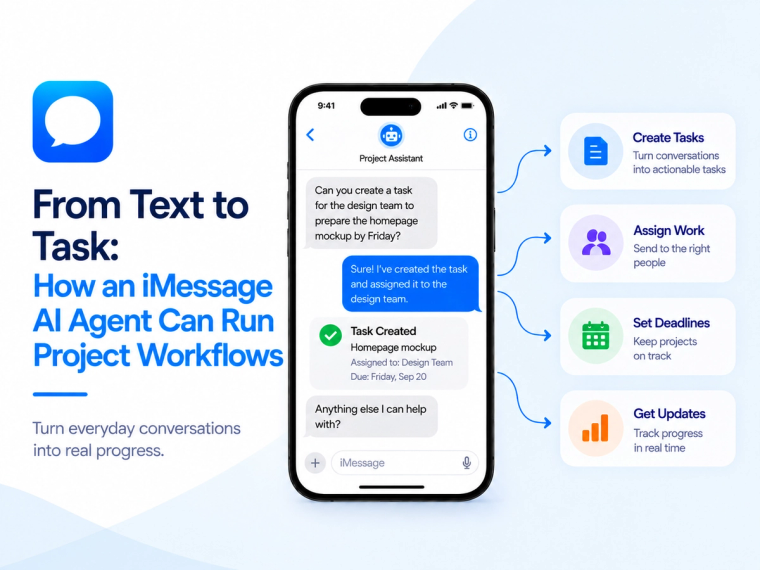
Learn how an iMessage AI agent can capture tasks, check project status, update issues and route work through Jira, Linear, ClickUp and other project systems.
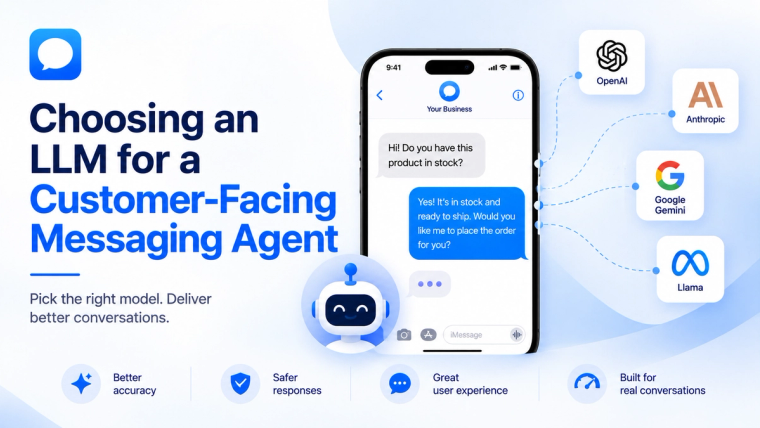
Learn how to evaluate an LLM for a customer-facing messaging agent based on response quality, speed, cost, safety, tools, memory and escalation needs.
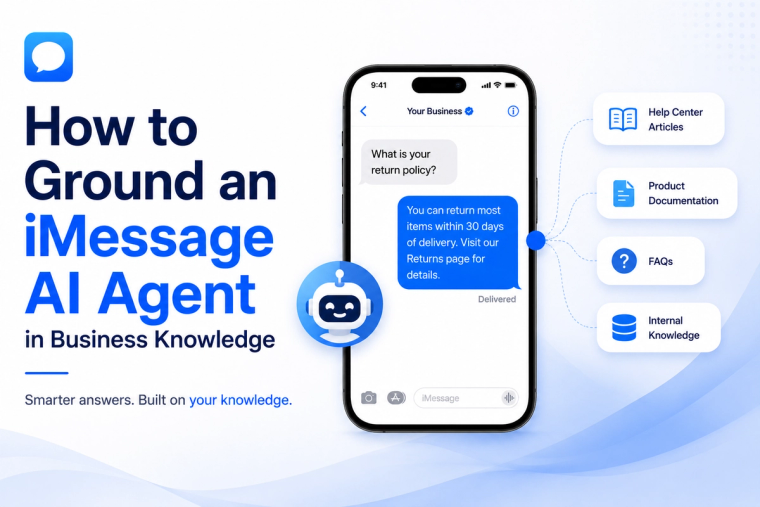
Learn how to prepare, structure, test and maintain business knowledge so an iMessage AI agent gives accurate answers and knows when not to guess.