From Text to Task: How an iMessage AI Agent Can Run Project Workflows
Learn how an iMessage AI agent can capture tasks, check project status, update issues and route work through Jira, Linear, ClickUp and other project systems.
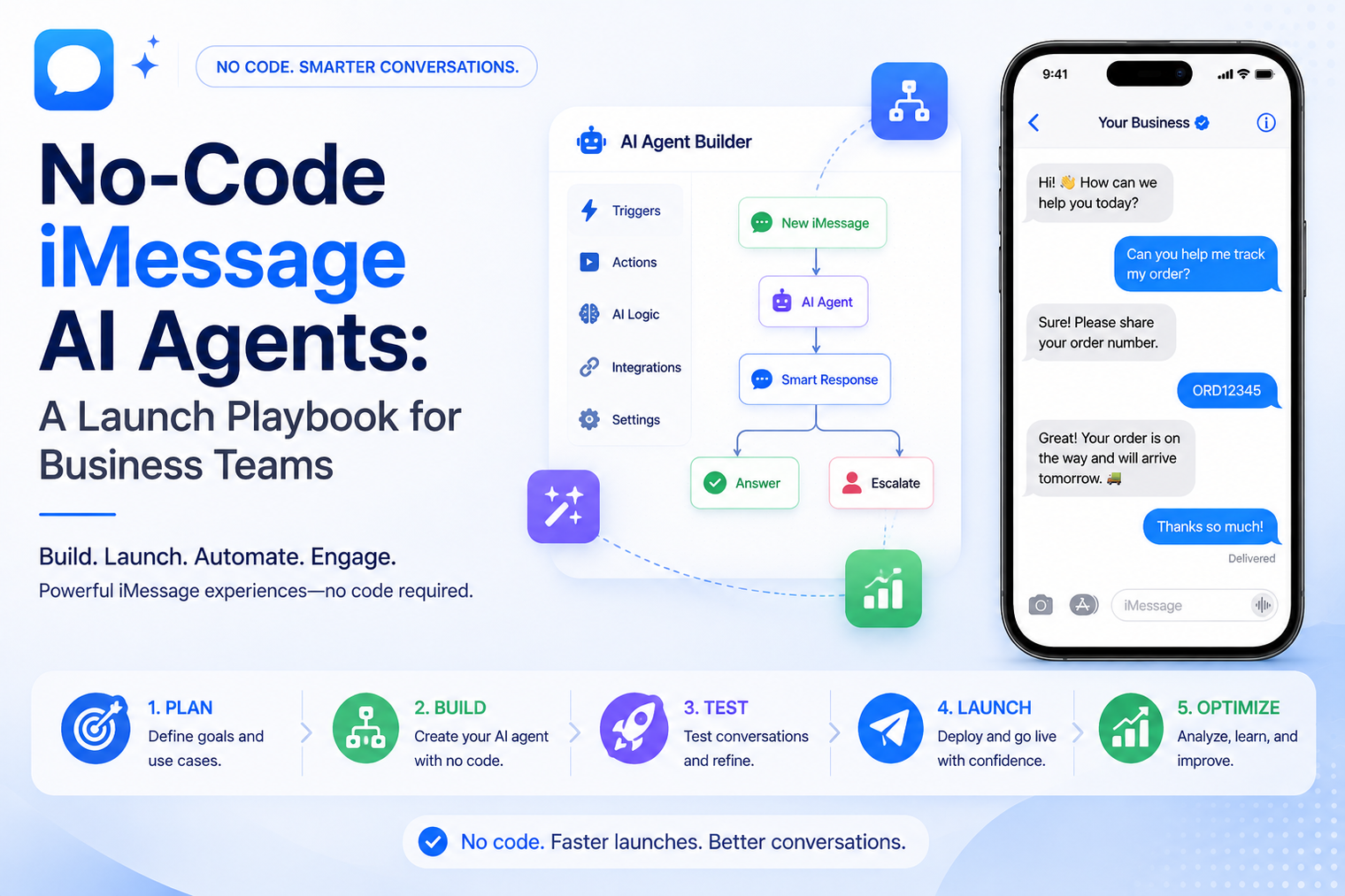
· A no-code agent succeeds when it owns one narrow customer job with a clear completion point.
· Business knowledge should be reviewed, organized and assigned to an owner before it becomes agent context.
· The operating instructions must define boundaries, escalation rules and response style, not only tone of voice.
· Testing should include incomplete questions, conflicting information, emotional customers and requests outside scope.
· No-code is an excellent starting point, but custom tools, complex permissions and deep system actions usually require an API path.
A no-code agent can be launched quickly, but speed alone does not make it useful. The difficult work is deciding what the agent should own, which information it can trust, when it must stop, and how a person takes over without confusing the customer. A strong launch starts with operational clarity before anyone writes the first prompt.
This playbook is for business teams that want to launch a customer-facing assistant without building webhook infrastructure on day one. It focuses on workflow selection, knowledge readiness, response boundaries, testing and ownership. MessageBlue provides a no-code iMessage AI agent builder that lets teams choose a model, add instructions and business knowledge, then publish the agent to an iMessage number.
Many teams begin with the visible part of the experience. They choose a model, write a friendly greeting and upload a few files. The demonstration looks convincing because every test question is predictable. Real customers are less orderly. They misspell product names, combine several requests, refer to an earlier conversation and ask for exceptions that are not documented.
The failure is usually not caused by the no-code tool. It comes from an undefined business process. Nobody has decided which questions the agent may answer, who owns the source material, what counts as a successful outcome or how the conversation reaches a person. The prompt is then forced to compensate for missing operational decisions.
A better starting question is not, “What can the model do?” Ask, “Which customer job is repetitive, information-heavy and safe enough to standardize?” That question creates a practical boundary for the first release.
The first workflow should be useful without requiring broad authority. It should have stable inputs, approved answers and a visible exit. Good examples include answering opening-hour questions, explaining service options, collecting lead details, guiding onboarding steps or helping a customer choose the right product category.
MessageBlue currently presents support FAQ agents, lead qualifiers, product concierges, information lines, onboarding helpers and personal assistants as no-code use cases. These examples share one trait: the agent can add value through conversation and knowledge before it needs unrestricted access to business systems.
| Candidate workflow | Why it fits no-code | Boundary to define |
|---|---|---|
| Support FAQ | The answers already exist in approved documents or policies. | Escalate account-specific, billing or complaint cases. |
| Lead qualification | The agent can ask a consistent set of questions and summarize the response. | Do not promise pricing, availability or acceptance unless verified. |
| Product guidance | Catalog and policy information can narrow the customer choice. | Avoid unsupported claims and route complex recommendations. |
| Business information line | Hours, locations, service areas and basic pricing are relatively stable. | Assign an owner to update changes immediately. |
| Onboarding helper | The steps can be delivered in a clear sequence with links or instructions. | Escalate access, security or account exceptions. |
A task may look simple while hiding many judgments. Use a decision-load test before committing to it. Count how many exceptions, approvals, systems and sensitive data points are involved. The higher the decision load, the less suitable the workflow is for an initial no-code release.
1. List the five most common customer requests in the workflow.
2. For each request, write the exact information needed to answer correctly.
3. Mark every point where a person currently uses judgment or grants an exception.
4. Identify every external system the agent would need to read or change.
5. Choose the workflow with the clearest answers and the fewest irreversible actions.
A restaurant information line may be a suitable first project because it can answer hours, menu questions and location details from approved material. Changing a reservation across multiple booking systems has a higher decision load and may be better for a later developer integration.
A no-code AI agent is only as dependable as the information supplied to it. Uploading every available file creates noise, contradictions and outdated answers. The knowledge base should be treated as a published customer resource, not a storage folder.
Create a source list with an owner, approval date and review frequency. Remove duplicates. Resolve conflicts between the website, PDF brochures, sales scripts and internal policies. Separate public information from internal-only instructions. If two documents disagree about a fee or service area, fix the source before expecting the agent to choose correctly.
· Use short, clearly titled documents with one subject per section.
· Write customer-facing answers in plain language rather than relying only on internal shorthand.
· Include effective dates for information that changes seasonally or by location.
· State the limits of an offer, policy or service instead of leaving exceptions implied.
· Create an update process so the agent knowledge changes when the business changes.
Tone matters, but behavior matters more. “Be helpful and friendly” does not explain how to handle uncertainty, multiple questions or a customer who wants a refund. The instruction set should read like a compact operating policy.
| Instruction area | What to define |
|---|---|
| Role | The single job the agent is responsible for completing. |
| Sources | Which uploaded knowledge should be treated as authoritative. |
| Response style | Message length, vocabulary, formatting and whether to ask one question at a time. |
| Uncertainty | When to ask a clarifying question and when to say the answer is unavailable. |
| Restrictions | Topics, promises, advice or actions the agent must not provide. |
| Escalation | The exact conditions that require a person and the message used during handoff. |
| Completion | What information or customer outcome marks the workflow as finished. |
The instructions should also tell the agent not to invent missing details. A concise admission of uncertainty protects trust better than a confident answer based on assumption.
A webpage can present ten fields and several paragraphs at once. A text conversation unfolds one turn at a time. The agent should keep replies short, acknowledge the customer intent and ask only the next necessary question. Long explanations should be broken into small choices or steps.
The same principle applies when the business wants an AI agent over iMessage. The messaging layer removes app-download friction, but the experience still needs conversational pacing. A useful reply is not merely accurate. It also arrives in a form that is easy to read and answer.
· Begin with recognition: confirm what the customer is trying to do.
· Ask one focused question when information is missing.
· Offer two or three clear options instead of a dense menu.
· Summarize collected details before handoff or completion.
· Avoid sending the same greeting or disclaimer on every turn.
Human handoff is not an emergency feature. It is part of the normal customer journey. The agent should know when the request exceeds its scope, when the customer asks for a person and when the conversation indicates frustration or risk.
Define what happens after escalation. Does the agent stop replying immediately? Which team receives the alert? What summary is passed to the person? How does the customer know that someone will respond? A handoff without ownership simply moves the delay to another system.
For businesses that already receive customer texts on a familiar line, the workflow can also automate an existing iMessage number. Manual and automated replies then need a clear ownership rule so the agent does not compete with a founder, support representative or salesperson.
Write one sentence describing what the agent helps the customer complete. Exclude adjacent tasks from the first release.
Prepare approved documents, FAQs or web content and assign a business owner for updates.
Write instructions for scope, response style, uncertainty, restrictions, escalation and completion.
Create realistic questions from sales, support and operations teams, including unclear and difficult examples.
Run the agent with employees who did not write the prompt. Record wrong answers, unnecessary questions and missed escalations.
Begin with one number, location, team or customer segment. Keep a person available to review conversations.
Turn recurring failures into knowledge updates, instruction changes or new escalation rules. Expand only after the first job is stable.
Consider a home-services company that receives inquiries after the office closes. The agent should not attempt to diagnose every problem or promise an appointment. Its first job is to acknowledge the request, collect the service location, identify the broad issue, ask about urgency and explain when the team will respond.
The business knowledge contains service areas, working hours, emergency exclusions, preparation instructions and common pricing explanations. The operating instructions prohibit guaranteed quotes and tell the agent to escalate safety-related messages. The conversation ends with a concise summary that is ready for the morning team.
If the company later wants automatic assignment, quote retrieval or CRM updates, it can connect the workflow to iMessage for sales teams or move the agent into custom application logic.
Do not judge the agent only by message volume or how natural the replies sound. Measure whether the workflow reduces effort and helps customers reach the right outcome.
| Metric | What it reveals |
|---|---|
| Task completion | Whether customers finish the intended job without unnecessary turns. |
| Accurate answer rate | Whether responses match the approved source material. |
| Clarification quality | Whether the agent asks useful questions instead of guessing. |
| Escalation precision | Whether risky or complex cases reach a person at the right time. |
| Handoff resolution | Whether the receiving team gets enough context to continue. |
| Abandonment point | Where customers stop replying or become confused. |
| Knowledge maintenance | How often failures come from outdated or missing source content. |
Stay with no-code while the agent mainly answers from approved knowledge, collects structured information and follows simple routing rules. It is often the fastest path for proving demand and learning what customers actually ask.
Move toward a developer workflow when the agent must authenticate users, read live account data, write to multiple systems, execute sensitive actions, apply complex permissions or maintain specialized conversation state. Custom code is also useful when the business needs detailed event processing, bespoke analytics or domain-specific safety controls.
MessageBlue positions the no-code builder and the iMessage API for developers as two entry points to the same product family. That allows a team to validate the customer experience first, then add webhooks, SDKs and custom tools when the workflow earns the extra complexity.
A no-code agent becomes valuable when it solves a real customer problem consistently. Choose one job, prepare the source material, define boundaries, test difficult conversations and make human support easy to reach. Once the first workflow is reliable, the business can expand with confidence rather than adding features to an unstable foundation.
Start with the MessageBlue agent builder and turn approved business knowledge into a focused iMessage conversation.
Yes, when the workflow can be configured through a selected model, clear instructions and approved business knowledge. Complex system actions may still require development.
Use current customer-facing documents, FAQs, policies and relevant web content. Remove conflicts, outdated files and internal material that should not influence public replies.
No. Define a narrow scope and make it easy to escalate. An agent that declines correctly is more useful than one that answers broadly and unreliably.
MessageBlue promotes supported workflows for deploying on an existing iMessage number or a newly provisioned line. Confirm setup requirements for the specific number.
Review it whenever products, pricing, hours, policies or service coverage change. Also schedule a regular owner review based on how quickly the business information changes.
Choose a frequent task with stable information, low decision load and a clear handoff. FAQ support, lead intake and basic onboarding are common starting points.
Connect any LLM to a real blue-bubble number and go live in minutes.
Deploy an Agent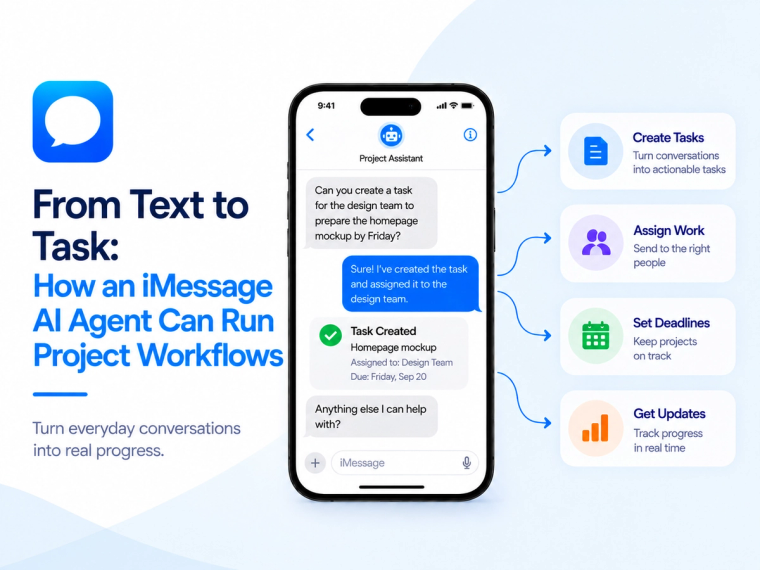
Learn how an iMessage AI agent can capture tasks, check project status, update issues and route work through Jira, Linear, ClickUp and other project systems.
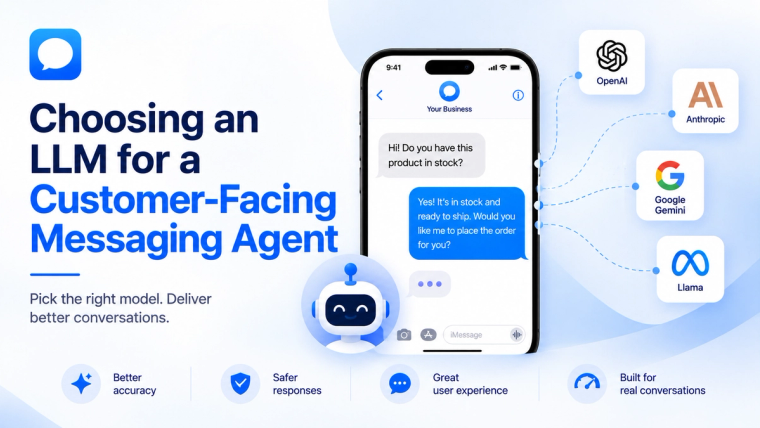
Learn how to evaluate an LLM for a customer-facing messaging agent based on response quality, speed, cost, safety, tools, memory and escalation needs.
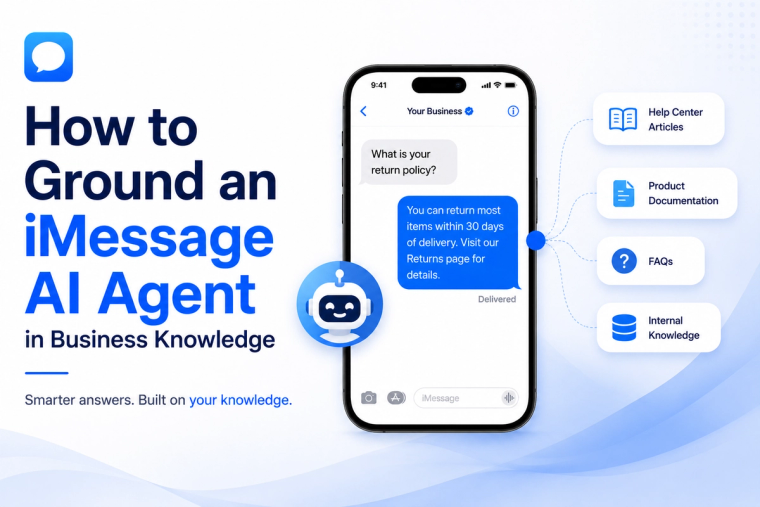
Learn how to prepare, structure, test and maintain business knowledge so an iMessage AI agent gives accurate answers and knows when not to guess.