From Text to Task: How an iMessage AI Agent Can Run Project Workflows
Learn how an iMessage AI agent can capture tasks, check project status, update issues and route work through Jira, Linear, ClickUp and other project systems.

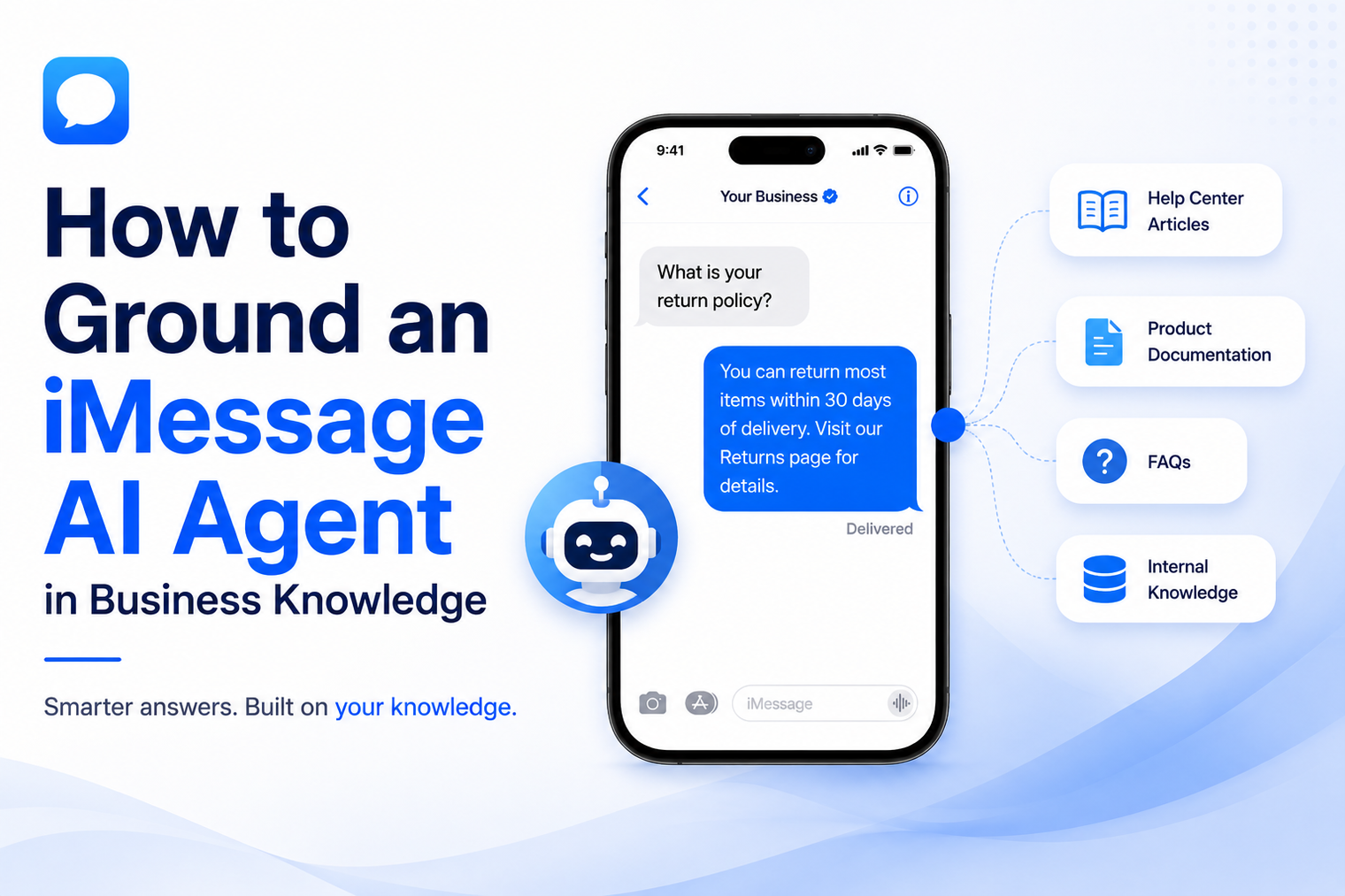
· Grounding begins with source ownership and information quality, not with uploading every available file.
· A useful knowledge base separates facts, policies, procedures and live account data because each category needs different controls.
· Customer-facing answers should be traceable to approved material and should decline or escalate when evidence is weak.
· Testing must include conflicting sources, incomplete questions, outdated details and requests that require private customer data.
· Knowledge maintenance is an operating process with owners, review dates, change logs and feedback from real conversations.
An AI agent can sound confident while still giving the wrong answer. That risk grows when business knowledge is scattered across old PDFs, help articles, sales documents, staff messages and web pages that do not agree with one another. The model is rarely the only problem. The information system behind the model is often unclear.
Grounding turns approved business information into a controlled source for customer replies. It gives the agent a defined place to look, a method for choosing relevant facts and a rule for what to do when the answer is missing. This guide explains how to build that foundation for an AI support agent on iMessage without treating a folder of documents as a finished knowledge base.
Grounding means that the agent forms its answer from selected business information instead of relying only on the model's general training. The approved information may include service descriptions, product details, operating hours, policies, onboarding instructions, troubleshooting steps or frequently asked questions.
MessageBlue presents its no-code iMessage AI agent workflow as a combination of a selected model, plain-English instructions and business knowledge supplied through documents, FAQs or a URL. The important implementation lesson is that the uploaded material should already be suitable for customer use. The agent should not be expected to repair contradictions or infer which internal document is authoritative.
Grounding is not the same as giving the model a very long prompt. A prompt defines role, behavior and boundaries. The knowledge base supplies facts. Keeping those responsibilities separate makes the system easier to review and update.
A shared drive can contain useful information and still be unsafe as agent context. A price sheet may be current while an older brochure shows a different amount. A policy may contain exceptions that a short FAQ leaves out. A sales deck may describe planned features as though they are already available. An internal procedure may use language that should never appear in a customer reply.
The agent sees text, not organizational history. It does not automatically know which file was approved by legal, which page is intended for employees or which paragraph was copied from an outdated system. Preparing knowledge therefore requires editorial and operational decisions before any technical configuration begins.
| Knowledge category | Examples | Required control |
|---|---|---|
| Stable public facts | Locations, standard hours, service areas, product descriptions | Named owner and scheduled review |
| Customer policies | Returns, cancellations, eligibility, warranties, privacy notices | Approved wording and exception rules |
| Operational procedures | Booking steps, onboarding, troubleshooting, document requirements | Current sequence and clear escalation point |
| Live business data | Inventory, appointment slots, order status, account balance | Tool or system lookup rather than a static file |
| Sensitive information | Customer records, health details, financial data, identity documents | Authentication, authorization and appropriate deployment controls |
Start by listing the question families the agent is allowed to handle. A home-services agent might cover service availability, preparation, general pricing explanations and appointment policies. It may not estimate a final quote, diagnose a safety issue or promise a technician arrival time without checking the scheduling system.
An answer domain is narrower than an industry. It should describe a repeatable customer job with known information boundaries. This prevents the project from becoming an attempt to teach the agent everything about the company at once.
Each source needs a business owner who can approve changes and resolve conflicts. Marketing may own service descriptions, operations may own scheduling rules and finance may own billing explanations. When ownership is unclear, the agent will eventually surface disagreement that the business has not resolved.
Add a review date, version or last-confirmed field to each source. A file that has no owner and no freshness signal should not silently become customer-facing truth.
Create a conflict register before launch. Record every topic for which two sources give different instructions. Decide which statement is authoritative, update the underlying content and remove the obsolete version from the agent's context. Do not rely on prompt wording such as “use the latest information” when the files themselves do not identify what latest means.
Internal documents are often organized around departments, not customer intent. Customers ask, “Can I cancel tomorrow?” or “What should I bring?” They do not ask for section 4.2 of the operating manual. Convert important policies into short, direct answers while retaining the conditions that change the outcome.
The best knowledge unit answers one question, states the relevant limits and points to the next action. Long pages can still be included, but critical answers should not be hidden inside dense narrative.
A static knowledge base is suitable for information that changes occasionally. It is not a reliable source for appointment availability, inventory, order status or account-specific details. Those answers should come from an approved tool call or business system at the moment the customer asks.
Teams that need live lookups, custom actions or permission-aware workflows can move from a simple builder into an AI agent over iMessage that uses their preferred model and application logic. The knowledge base can still provide policy and explanation, while the connected system supplies current data.
Facts alone do not define a safe answer. The agent also needs rules for uncertainty, exceptions and customer choice. Specify when it may summarize, when it must quote approved wording, when it should ask a clarifying question and when it must stop and transfer the conversation.
A grounded agent is defined partly by how it handles missing information. “I do not have enough information to confirm that” can be a strong answer when it is followed by a useful next step. The system should capture the unanswered question, route it to the correct owner and use the resolution to improve the knowledge base later.
Avoid generic apologies that leave the customer stranded. The unknown-answer path should explain what can happen next, such as collecting a contact detail, notifying a representative or asking the customer to choose a suitable time for follow-up.
A polished response can hide weak evidence. During testing, record which source supported each answer and whether that source was the best match. Ask the same question using abbreviations, spelling mistakes, indirect wording and follow-up references such as “what about Saturday?”
Also test deliberate conflict. Place an outdated value in a non-authoritative source and confirm that it cannot influence the answer. If the system cannot explain why one source wins, the knowledge design needs more work.
Knowledge changes after launch. New products appear, operating hours move, promotions end and policies are revised. Assign a cadence based on the risk and rate of change. A high-impact policy may need immediate review after every change, while a stable company overview may be checked quarterly.
Conversation analytics should feed the same loop. Review unanswered questions, frequent escalations, misunderstood terms and answers that customers repeatedly challenge. These signals show where the knowledge base is incomplete or difficult to retrieve.
| Test scenario | What a safe result looks like |
|---|---|
| Question answered by one approved source | The reply is concise, accurate and consistent with that source |
| Two documents disagree | The approved hierarchy wins, or the agent escalates instead of choosing randomly |
| The question needs live account data | The agent authenticates and uses a permitted system, or transfers the request |
| The customer asks outside scope | The agent states its limit and offers the correct next step |
| The source is outdated | The source is excluded, replaced or flagged before it can shape a reply |
| The customer asks a vague follow-up | The agent uses conversation context or asks a single clarifying question |
Confidence should not be treated as a mysterious score that automatically decides whether an answer is safe. Build a policy from observable conditions. For example, the agent may answer when one approved source directly covers the question, ask for clarification when multiple interpretations are possible and escalate when the request requires judgment or a commitment.
The policy should be understandable to support staff. When a customer challenges an answer, the team needs to know which source was used, what rule applied and how to correct the result. Explainability is an operational requirement, not only a technical feature.
Grounded does not have to mean long. An iMessage reply should lead with the answer, include only the conditions that matter and end with a clear next step. If the policy is complex, summarize the immediate implication and offer to provide more detail or connect the customer with a person.
Avoid copying an entire help article into the conversation. The customer is usually trying to make a decision, complete a task or understand what happens next. The response should use the knowledge base to support that goal.
Consider a regional repair company that wants an agent to answer after-hours questions. The approved knowledge covers service areas, opening hours, appointment preparation, warranty rules and general fee explanations. Live availability remains in the scheduling system, and urgent safety issues always go to a human-controlled path.
The agent can answer whether a location is covered, explain what information the customer should prepare and collect preferred appointment windows. It cannot diagnose equipment, guarantee a final repair price or promise a technician slot without a confirmed lookup. Every unsupported question is tagged for review by the operations owner.
If the company wants to connect scheduling, customer records or custom routing, the iMessage API for developers provides the programmatic path for receiving replies and running business logic. The approved knowledge remains the explanation layer, while the application controls actions and permissions.
| Metric | What it reveals |
|---|---|
| Supported answer rate | How often the agent finds an approved answer without inventing or overreaching |
| Correct escalation rate | Whether risky or unsupported questions reach a person at the right time |
| Knowledge gap volume | Which customer questions are not covered by current material |
| Source conflict incidents | Whether obsolete or inconsistent content is still influencing replies |
| Resolution without repeat contact | Whether the answer helps the customer complete the intended task |
| Time to publish a correction | How quickly the team can update an inaccurate or outdated answer |
MessageBlue positions the messaging layer separately from the intelligence and business logic. A team can start by selecting a model, writing instructions and adding approved knowledge. When the workflow requires live tools, deeper control or custom systems, the same product family offers APIs, SDKs and webhooks for a developer-led implementation.
The agent can also be deployed on a supported existing line through a workflow designed to automate an existing iMessage number. That preserves the familiar number while the business adds answering, routing or follow-up rules behind it.
A reliable iMessage agent comes from clear answer domains, owned sources, resolved conflicts, separate controls for live data and a useful path when evidence is missing. Start with the smallest knowledge system the business can maintain and explain, then expand it from real customer needs.
Start with the high-frequency questions that have stable, approved answers. Hours, service coverage, basic product information, preparation instructions and public policies are common starting points.
That is rarely a good idea. Remove obsolete files, internal-only material, duplicated content and documents with unresolved conflicts. Include only information the agent is allowed to use for the defined workflow.
The prompt defines the agent's job, boundaries and response behavior. The knowledge base provides approved facts and procedures. Mixing all facts into one large prompt makes updates harder to manage.
Only when the business has defined a clear source hierarchy and the approved source resolves the issue. Otherwise the agent should avoid choosing and transfer the question for review.
Static knowledge can explain general pricing or availability rules. Current inventory, schedules, quotes and account-specific values should come from a permitted live system or a human confirmation.
Review it whenever the business changes relevant information, and set a regular cadence based on risk. Customer feedback and repeated unanswered questions should trigger additional updates.
Connect any LLM to a real blue-bubble number and go live in minutes.
Deploy an Agent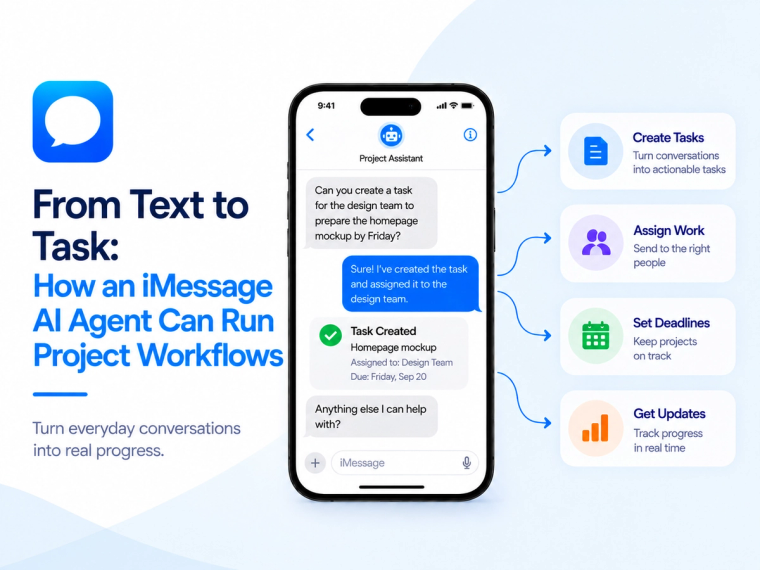
Learn how an iMessage AI agent can capture tasks, check project status, update issues and route work through Jira, Linear, ClickUp and other project systems.
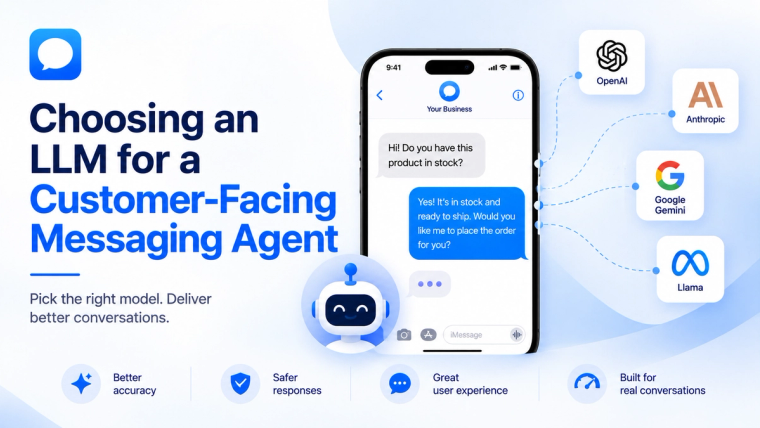
Learn how to evaluate an LLM for a customer-facing messaging agent based on response quality, speed, cost, safety, tools, memory and escalation needs.
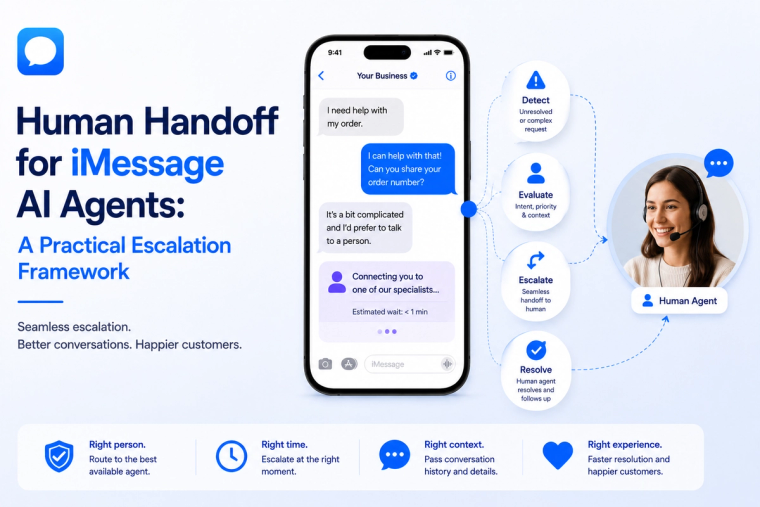
Design a reliable human handoff for an iMessage AI agent with clear triggers, ownership, context transfer, CRM routing and safe conversation recovery.