From Text to Task: How an iMessage AI Agent Can Run Project Workflows
Learn how an iMessage AI agent can capture tasks, check project status, update issues and route work through Jira, Linear, ClickUp and other project systems.
• A complete integration includes both an outbound API call and an inbound webhook path.
• Store your own message and conversation records instead of treating the provider response as the only source of state.
• Webhook endpoints must be authenticated, fast, retry-safe and idempotent.
• Replies should trigger a defined workflow, such as a database lookup, CRM update, AI response or human handoff.
• Channel fallback, consent and operational monitoring must be designed before production traffic begins.
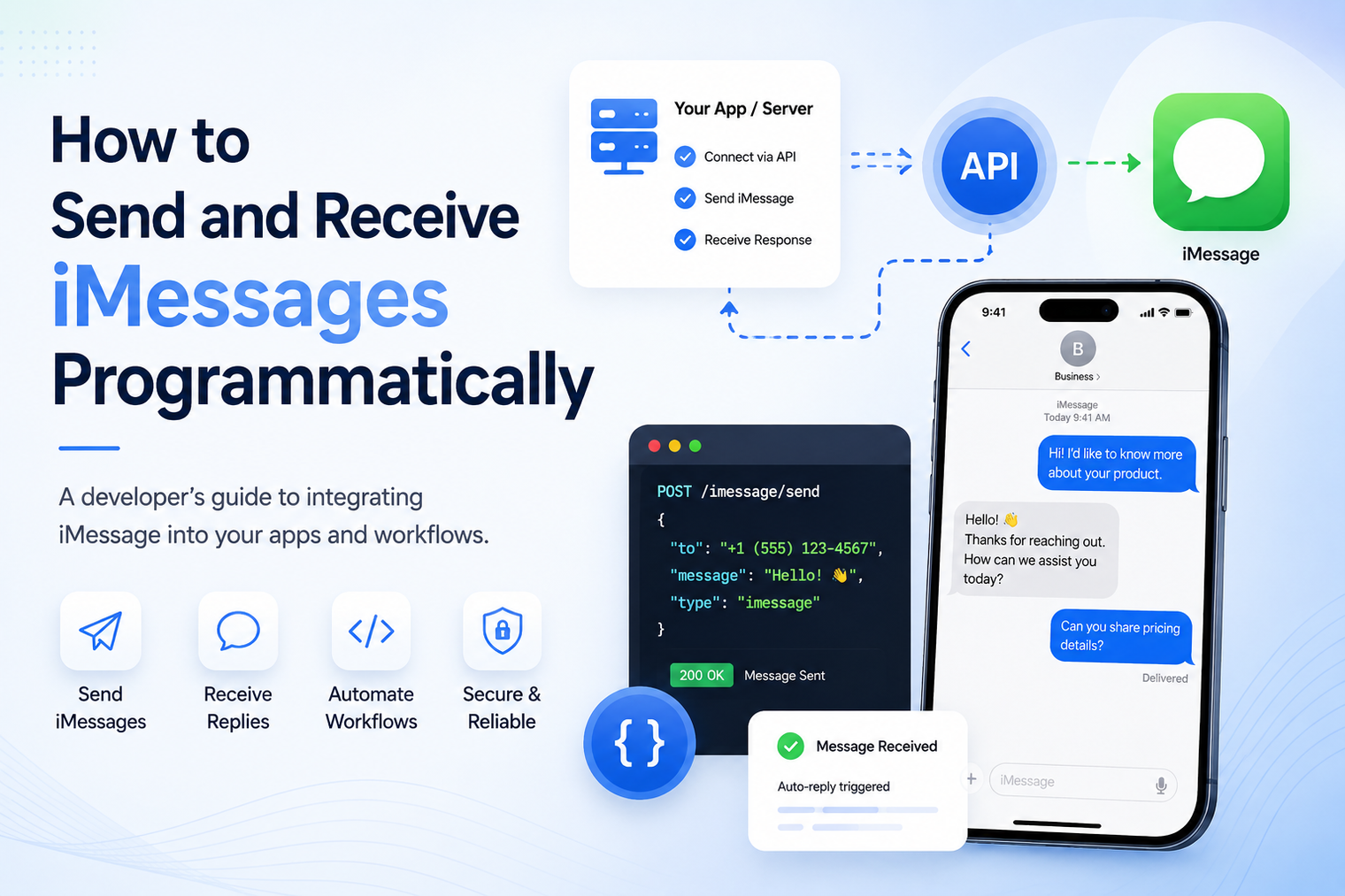
Sending an iMessage from software is only the first half of a useful integration. A production workflow must also receive replies, understand delivery events, survive temporary failures and connect each conversation to the right business action. That requires an API for outbound requests, webhooks for inbound events and application logic that treats messaging as an ongoing event loop.
This guide explains the architecture and implementation decisions behind two-way iMessage automation. It focuses on the parts developers need to design correctly before connecting a live number, including authentication, message records, webhook verification, retries, idempotency, fallback and human escalation.
What does it mean to send and receive iMessages programmatically?
Programmatic iMessage messaging means that software, rather than a person typing on a device, initiates and processes conversation activity. Your backend can request an outbound message after an event, then receive an HTTP notification when the recipient replies or when a supported delivery state changes.
The messaging provider handles the channel connection and number infrastructure. Your application remains responsible for deciding who should be contacted, what should be sent, how the reply is interpreted and what action follows. Teams looking for this delivery layer can review the MessageBlue iMessage API for developers, which is positioned around two-way messaging, webhooks and production workflows.
This model is different from building an iMessage app extension inside Apple Messages. Apple documents the Messages framework for apps and extensions that operate in the Messages experience. A server-side business workflow needs a separate infrastructure layer that exposes messaging actions to the backend.
A reliable integration usually contains five cooperating parts.
| Component | Responsibility |
|---|---|
| Your application | Creates business events, decides message content and applies workflow rules. |
| Messaging API | Accepts authenticated send requests and returns a message identifier or status. |
| iMessage-enabled number | Represents the line used for the customer conversation. |
| Webhook endpoint | Receives inbound replies, status events and supported conversation signals. |
| Data and operations layer | Stores conversations, updates the CRM, calls tools and routes human follow-up. |
The important design principle is separation of responsibility. MessageBlue provides the programmable messaging layer. Your application owns the customer context, business rules, records, AI behavior and escalation policy.
How to send and receive iMessages programmatically
Write down the exact trigger, recipient, purpose and expected reply. An order update, appointment confirmation and lead qualification flow may all use iMessage, but they need different data, timing and escalation rules. Decide whether the message is informational, transactional or conversational, and confirm that the recipient has a legitimate reason to receive it.
This step also determines whether a reply is optional or essential. If the workflow asks a question, the inbound path is part of the core product and cannot be added as an afterthought.
Your application needs a sending identity. Depending on the provider and plan, that may be a newly provisioned line, a dedicated line or an existing number that the business already uses. Record the selected line as part of your environment configuration instead of hard-coding it throughout the application.
A familiar number can preserve continuity for sales representatives, founders and service teams. MessageBlue also provides a path to automate an existing iMessage number while supported users continue normal phone-based conversations.
Store API credentials in a secret manager or protected environment variable. Do not expose a messaging key in browser JavaScript, a mobile application bundle, source control or a public log. Use separate credentials for development and production where the platform supports them, and grant only the access each service requires.
The outbound request should originate from a trusted server component. That component can validate the business event, enforce rate limits, choose the correct line and attach your internal conversation reference.
Build the request from validated data. At a conceptual level, it contains the recipient, sending line, message content and any supported media or metadata. Use the current API reference for exact endpoint names and field definitions because those details can change.
Before sending, normalize the phone number, confirm the content length and remove unsupported fields. Add an internal idempotency key when the API supports one. This prevents a job retry or repeated button click from creating duplicate customer messages.
A successful API response usually confirms that the provider accepted the request. Acceptance is not always the same as final delivery. Store the returned message identifier, your internal conversation ID, the recipient, the sending line, the creation time and the current state.
Your database should be able to answer basic operational questions: What did we try to send? Which provider message does it map to? Has a later event changed the state? Has the customer replied? Which workflow owns the conversation?
A webhook is an HTTP request sent by the messaging platform to your server when something happens. The event may represent an inbound message, a reaction, a delivery change or another supported conversation signal. Expose a secure HTTPS endpoint and register it with the provider.
Keep the initial webhook response fast. Verify the request, record the event and return a success response. Move slow work, such as an AI call or CRM synchronization, into a background queue. A slow endpoint increases the chance of timeouts and repeated deliveries.
Do not trust an inbound HTTP request simply because it uses the correct URL. Validate the provider signature using the documented method, compare timestamps when required and reject malformed payloads. Rotate signing secrets carefully and avoid logging the full secret or sensitive message content.
After verification, parse the event type and required identifiers. Unknown event types should be recorded safely instead of causing the entire endpoint to fail. This makes the integration more resilient when the provider adds new events.
Webhook retries are a reliability feature. They also mean the same event may reach your endpoint more than once. Store the event identifier and check whether it has already been processed before creating a ticket, sending a reply or updating a CRM record.
The safe sequence is simple: verify, store, deduplicate, acknowledge and process. If processing fails, the queued job can retry without losing the original event or repeating a completed action.
An inbound reply needs context. Match the sender and receiving line to an active conversation, then load the related customer, order, appointment, lead or account record. Avoid relying only on the latest outbound message because a customer may return to an older thread or send a new request.
From there, the application can apply rules. A confirmation can update an appointment. A support question can open a case. A sales reply can notify the account owner. A free-form question can be routed to an AI agent, provided the workflow includes grounding, safety rules and a clear handoff option. MessageBlue explains this model in its guide to AI agents that live in iMessage.
Use the same conversation context and approved sending line when responding. Keep replies concise, answer the actual question and avoid restarting the entire script every time the customer writes back. A customer should feel that the system remembers the purpose of the conversation, even when the backend uses several services to produce the reply.
When a human takes over, pause automated replies for that thread or clearly define which messages the automation may still send. Competing responses from a representative and a bot can damage trust quickly.
Not every recipient or situation will support iMessage. If the provider offers SMS or RCS fallback, store the channel reported for each message and adjust the experience accordingly. A green-bubble fallback may have different media support, delivery behavior, carrier requirements and user expectations.
Do not assume fallback is identical in every country or carrier environment. Test the actual numbers and regions you plan to support, and confirm the platform rules before relying on fallback for a critical workflow.
Create dashboards and alerts for failed sends, webhook errors, queue delays, duplicate events, unusual response times and conversations that require human attention. Logs should connect your internal IDs with provider message and event IDs without exposing credentials or unnecessary personal data.
Operational ownership matters. Decide who responds to an outage, who can replay failed events, who reviews line health and who approves changes to message templates or automation rules.
Consider a clinic or service business that wants customers to confirm an appointment by text. The scheduling system creates a reminder event and calls the messaging API. The provider accepts the message and returns an identifier. The application stores that identifier beside the appointment.
When the customer replies “confirm,” the webhook endpoint verifies and stores the event. A background worker matches the phone number to the appointment, updates the status and sends a short acknowledgment. If the reply asks to reschedule, the workflow offers available times or routes the conversation to staff. If no reply arrives, a separate rule decides whether a responsible follow-up is appropriate.
The messaging channel is only one part of this system. The value comes from connecting the reply to scheduling, records and human operations.
| Mistake | Better approach |
|---|---|
| Treating API acceptance as delivery | Record later status events instead of marking every accepted request as delivered. |
| Processing webhooks synchronously | Acknowledge quickly and move expensive work to a queue. |
| Ignoring duplicate events | Use event IDs and idempotent handlers before triggering business actions. |
| Losing the conversation mapping | Store provider IDs and internal customer or workflow references together. |
| Exposing credentials | Keep keys and webhook secrets in protected server-side storage. |
| Automating without a handoff | Define when a person takes control and how automation pauses. |
| Assuming every recipient supports iMessage | Test fallback and record the actual channel used. |
| Sending without consent or relevance | Use the channel for expected, useful communication and follow applicable rules. |
A self-hosted approach may give a team direct control over hardware and software, but it also transfers uptime, maintenance, monitoring, updates, networking and recovery to that team. This can be reasonable for a narrow internal experiment when the organization accepts the operational burden.
A managed API reduces infrastructure work and gives the application a standard HTTP and webhook interface. The tradeoff is vendor evaluation. Review reliability, event behavior, number ownership, security controls, observability, support and deployment boundaries. Organizations with strict data or network requirements can explore a private or self-hosted iMessage API deployment rather than defaulting to shared infrastructure.
MessageBlue positions its API as the transport and event layer between an application and an iMessage conversation. The product page describes programmatic sending and receiving, retrying webhooks, logs, supported conversation events, number options and fallback behavior. Product teams keep control of their business logic, records, AI models and escalation rules.
The practical starting point is to design one complete workflow, test it in a sandbox, verify webhook behavior and observe every state before adding more numbers or use cases.
Start with one recipient journey and make every state observable. Send from a trusted server, store the identifiers, verify inbound events, process retries safely and connect each reply to a meaningful action.
Explore the MessageBlue API for sending and receiving iMessages programmatically and test a complete conversation before scaling the integration.
Yes, when the backend is connected to suitable iMessage infrastructure. The application calls the provider API, and the provider handles the messaging channel and sending number.
A two-way provider sends inbound activity to a registered webhook endpoint. Your server verifies the request, records the event and routes it to the appropriate workflow.
Webhooks are usually the better primary design because they deliver events as they occur. Polling may still be useful for reconciliation when the provider supports it.
Providers retry events when an endpoint times out or returns an error. Your handler should use a unique event identifier and process the event idempotently.
That depends on the provider. MessageBlue promotes bring-your-own-number workflows for supported lines, including scenarios where representatives continue texting manually.
Some platforms can fall back to SMS or RCS. Confirm supported regions, carriers, media behavior and how the API reports the channel before production use.
Yes. A different technical channel does not remove the need for lawful, relevant and expected communication. MessageBlue terms also prohibit unsolicited mass messaging and require necessary consents.
Connect any LLM to a real blue-bubble number and go live in minutes.
Deploy an Agent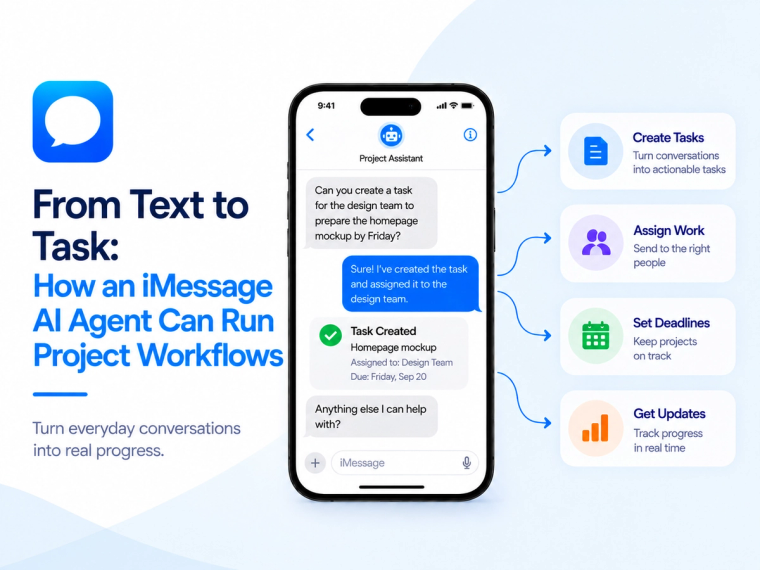
Learn how an iMessage AI agent can capture tasks, check project status, update issues and route work through Jira, Linear, ClickUp and other project systems.
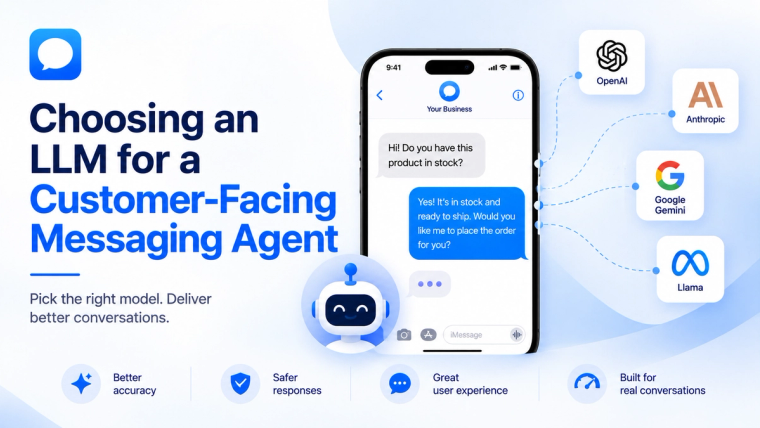
Learn how to evaluate an LLM for a customer-facing messaging agent based on response quality, speed, cost, safety, tools, memory and escalation needs.
Learn how to prepare, structure, test and maintain business knowledge so an iMessage AI agent gives accurate answers and knows when not to guess.