iMessage CRM Integration for Field Sales: Let Reps Update Pipeline by Text
Learn how an iMessage CRM integration can help field sales reps query deals, log calls, update stages and create next steps by text without adding more CRM admin.
• Demo follow-up should begin with a clear trigger, an eligible contact and an assigned representative.
• The representative's own iMessage number preserves continuity, but automation needs pause rules whenever the rep is active.
• Every reply should stop the scheduled path and route the conversation according to intent.
• CRM updates, calendar actions and human ownership should happen inside the same workflow rather than as manual cleanup.
• Success should be measured by meaningful next steps and clean pipeline state, not by the number of messages sent.
A strong sales demo can still lose momentum in the hours that follow. The representative finishes the call, moves to another meeting and plans to send a recap later. The prospect receives a generic email, replies with a question that is not logged or waits several days for the next useful step. The issue is rarely a lack of interest. It is a broken follow-up workflow.
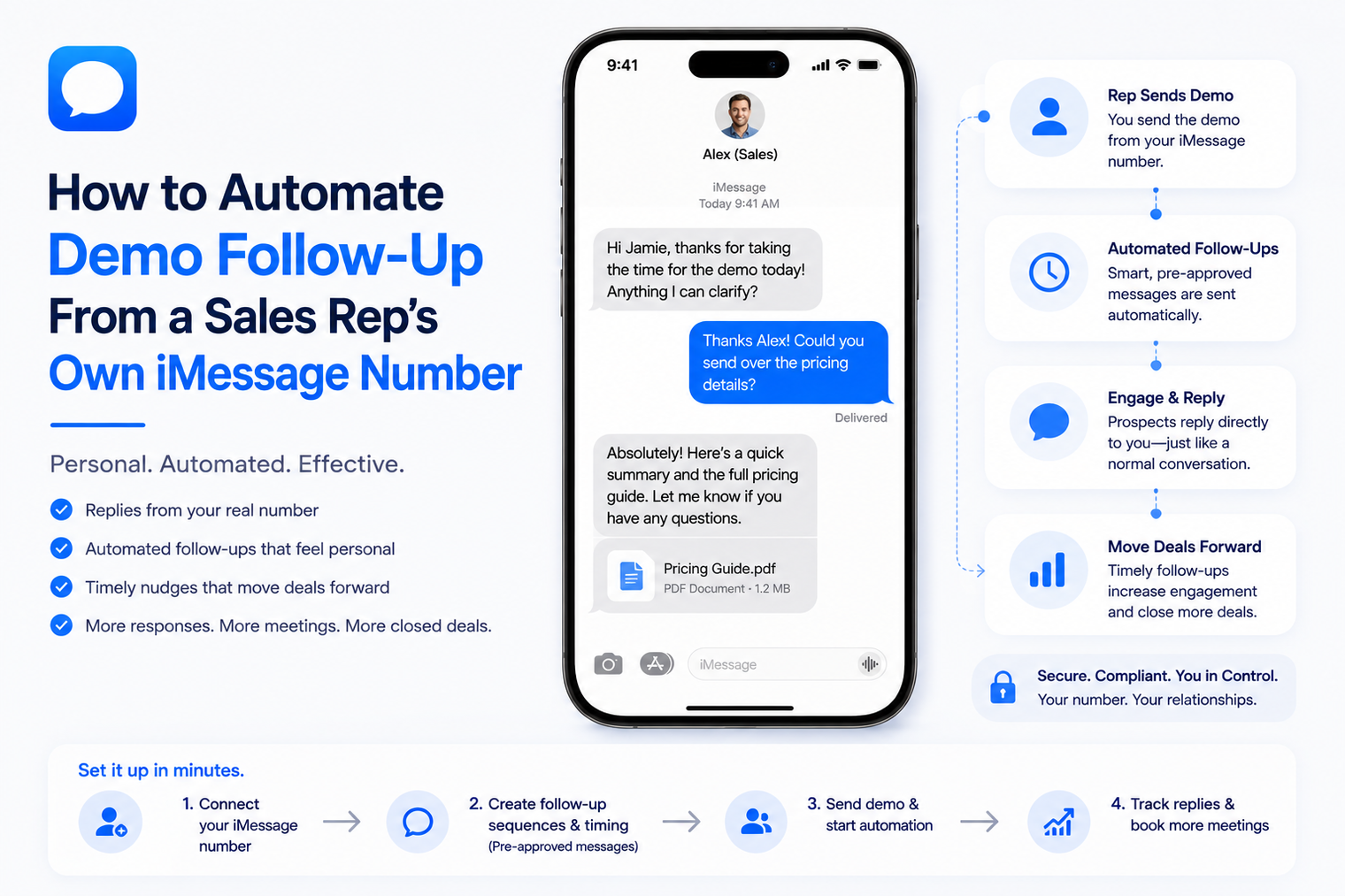
Automated text follow-up can keep the conversation moving when it starts from the sales representative's own iMessage number and remains connected to the CRM. The goal is not to replace the rep with a sequence. The goal is to handle timing, reminders, reply detection and record updates so the representative can focus on the parts that require judgment.
The post-demo period contains several small tasks: send a recap, share the promised resource, answer a question, confirm the buying process, schedule the next meeting and update the opportunity. When these tasks live across email, personal notes, calendars and CRM fields, the representative becomes the integration layer.
A focused iMessage sales automation workflow can remove the coordination burden without turning the relationship into mass outreach. It can send the agreed follow-up, listen for a reply, update the record and notify the owner when the conversation needs personal attention.
The channel alone does not fix the process. A fast message sent to the wrong person, from the wrong number or after the prospect already replied will damage trust. The workflow must understand eligibility, ownership and current conversation state before it sends anything.
A complete workflow should perform five jobs. If any one of them is missing, the sequence may create more manual work than it removes.
1. Detect that the demo ended and confirm the opportunity is eligible for messaging.
2. Select the correct representative number, contact and follow-up path.
3. Personalize the message using approved CRM fields and the commitments made during the call.
4. Pause scheduled steps as soon as the prospect replies or the representative takes over.
5. Write the outcome back to the CRM and create the next action for the correct owner.
This is event-driven follow-up rather than a timer attached to a template. The demo outcome, contact status, reply and human activity should all be treated as events that can change what happens next.
The safest trigger is a completed demo or a CRM stage change that has a clear owner. The workflow should not rely only on a calendar event ending because the meeting may have been canceled, moved or attended by a different contact.
· The meeting was completed and the representative marked an outcome.
· The contact supplied or confirmed a mobile number for follow-up.
· The relationship and messaging purpose meet the business's consent and communication rules.
· The opportunity has one active owner and one approved sending number.
· The contact is not paused, opted out, closed-lost for a restricted reason or already active in another sequence.
· The next message matches a commitment or reasonable expectation created during the demo.
Eligibility should be evaluated again before every step, not only at enrollment. A deal can move stages, a representative can send a manual message or the contact can reply through another channel. Each change may make the next automated message unnecessary.
A familiar number can make follow-up feel like a continuation of the meeting. The prospect sees the same representative identity instead of an unfamiliar shared line. This is valuable only when the system protects the rep's active conversations and keeps ownership clear.
Teams that want to automate an existing iMessage number should define manual coexistence before launch. The platform and CRM need a visible state that tells automation when the representative is composing, has recently replied or has taken full ownership of the thread.
· Route each contact to the number owned by the assigned representative.
· Pause the automated path after any manual outbound message from that representative.
· Prevent two representatives from enrolling the same person at the same time.
· Reassign the number mapping when territory or account ownership changes.
· Stop pending sends when the representative leaves the company or the number is disconnected.
· Preserve a clear audit trail of automated and human messages.
A useful cadence is built around what the prospect needs to decide, not a fixed number of touches. The first message should fulfill the promise made during the call. Later steps should create value, clarify the process or make it easy to choose the next action.
| Stage | Purpose | Message Design | Stop Condition |
|---|---|---|---|
| Within the agreed window | Confirm the conversation and deliver the promised item | Reference the demo and one concrete commitment | Prospect replies or rep sends manually |
| Same business day | Make the next step easy | Offer the agreed action, such as a review, trial or follow-up meeting | Meeting booked or opportunity stage changes |
| Next working day | Resolve the main open question | Ask one specific question tied to the buying process | Question answered or human takeover |
| Decision window | Surface timing or blockers | Invite a direct update without manufactured urgency | Contact asks to pause, declines or gives a date |
| Close or pause | Leave the record accurate and respectful | Confirm the agreed next date or close the loop | Sequence ends and CRM task is created if needed |
The schedule should respect time zones, business hours and the prospect's stated timeline. A message sent immediately after every demo may feel efficient to the team but careless to a buyer who asked for two days to review the proposal.
Personalization should reflect what actually happened. Useful fields include the representative name, product or service discussed, agreed resource, stated goal, main question, next decision date and scheduled action. These fields should come from structured notes or a reviewed summary, not from an unrestricted model interpretation.
· Mention one relevant point from the conversation.
· Deliver the asset or action the representative promised.
· Use the prospect's preferred name and the correct company.
· Avoid copying sensitive internal notes into the message.
· Do not invent a business case, budget or urgency that the prospect did not state.
· Keep the call to action limited to one clear next step.
When notes are incomplete, the workflow should send a simpler follow-up or create a task for the representative. A generic but accurate message is safer than a highly specific message built on an incorrect summary.
The first inbound response should suspend every pending message. The reply may show interest, ask a technical question, raise a commercial concern, change the timing or request that communication stop. Each intent needs a distinct action and owner.
| Reply Intent | Workflow Action | Rep Notification | CRM Update |
|---|---|---|---|
| Ready for next step | Offer approved times or create the agreed task | Immediate | Advance stage and record next action |
| Product or technical question | Answer from approved material or route to a specialist | Based on risk and complexity | Log question and response status |
| Pricing or contract concern | Pause automation and assign the representative | Immediate | Record objection and owner |
| Timing change | Confirm the new review date and stop current cadence | Summary notification | Set future task and pause reason |
| Not interested | Acknowledge and close respectfully | Optional summary | Close or disqualify with reason |
| Stop request | Confirm the stop and suppress future messaging | Immediate if policy requires | Update communication preference |
A reply classifier should never be the only control for high-impact outcomes. Contract questions, discounts, complaints and ambiguous stop language should be routed conservatively. It is better to involve the representative early than to let an uncertain automated reply redefine the relationship.
A reliable iMessage CRM integration should do more than attach message text to a contact. It should maintain the state that controls enrollment, ownership, next action and reporting.
· Last demo date and demo outcome.
· Assigned representative and sending number.
· Follow-up status, current step and pause reason.
· Latest inbound intent and whether a human response is due.
· Next meeting, task or decision date.
· Communication preference and suppression status.
· Links to the complete conversation and delivered resources.
Write updates as events occur. Waiting until the sequence ends creates stale pipeline data and increases the chance that a manager or another automation acts on the wrong state. Idempotent updates are important because webhook and job retries should not create duplicate tasks or repeated stage changes.
When the logical next step is another meeting, the workflow should make booking easy without assuming every positive reply means the same thing. It can offer approved availability, share the representative's booking path or notify the rep to coordinate a complex group meeting.
· Use live availability rather than a copied list of times.
· Respect meeting type, duration, territory and required attendees.
· Confirm the selected time and write it back to the shared calendar.
· Stop every follow-up step after the meeting is booked.
· Handle rescheduling and cancellation as new events in the same conversation.
Automation should be easiest to stop when the conversation becomes valuable. A representative may take over because the prospect asks a nuanced question, a stakeholder joins, an exception is requested or the tone suggests concern. The handoff should not require the prospect to repeat the demo context.
· Pause immediately after a manual reply from the assigned representative.
· Provide the rep with the demo summary, recent messages, open question and due time.
· Keep the same number and thread so the transition feels continuous.
· Allow the rep to return the conversation to automation only through an explicit action.
· Cancel delayed jobs when ownership or opportunity status changes.
Custom teams can use a two-way iMessage API to send the follow-up, receive inbound replies and connect each event to CRM and scheduling logic. The handler should verify events, store them, deduplicate retries and acknowledge quickly before performing longer tasks.
The workflow should treat accepted, delivered, failed and replied as different states. A message accepted by the API has not necessarily reached the prospect. Failed delivery needs a documented fallback or a task for the representative, not an assumption that the buyer ignored the follow-up.
A familiar number and an existing sales conversation do not remove messaging obligations. Follow-up should match the relationship, the stated purpose and the contact's reasonable expectation. The business should identify the sender, respect stop requests and avoid continuing after the opportunity has been closed or paused.
· Document how the mobile number was collected and the purpose of follow-up.
· Keep the cadence appropriate to the buying cycle and value of the request.
· Do not enroll purchased or unrelated contacts into a demo follow-up path.
· Process stop language and communication preferences across connected systems.
· Review legal and policy requirements for the relevant jurisdiction and message type.
The purpose of the workflow is to preserve momentum and create accurate next actions. Sending more messages is not a success metric. A smaller number of relevant conversations can be more valuable than a large sequence that produces noise and manual cleanup.
1. Choose one demo type, team and CRM pipeline for the first launch.
2. Define the completed-demo trigger and every eligibility rule.
3. Map each representative to an approved iMessage number.
4. Create the follow-up timeline and the stop condition for every step.
5. Select the CRM fields that may be used for personalization.
6. Define reply intents, owners, service levels and stage updates.
7. Connect booking actions and prevent duplicate meeting creation.
8. Add manual takeover, pause, reassignment and offboarding controls.
9. Test delivery failures, duplicate events, missing notes and ambiguous replies.
10. Launch with a small group, review conversations weekly and expand only after the CRM state remains accurate.
The best post-demo workflow does not make the prospect feel enrolled in a campaign. It feels like the representative remembered the commitment, followed up at the right time and remained available when the conversation became important.
Build the system around clear triggers, rep-owned numbers, immediate reply handling and accurate CRM state. When automation manages the coordination and the representative retains ownership of judgment, demo follow-up becomes faster without becoming impersonal.
It should be sent within the expectation created during the meeting. Some demos need an immediate recap, while others require the representative to prepare a proposal or confirm details first. The workflow should follow the commitment, not a universal timer.
Yes, when the platform supports existing-number automation. The deployment still needs line ownership, manual pause rules, permissions and a reliable process for reassignment and offboarding.
Every pending step should pause. The system should classify the reply conservatively, update the CRM and either continue an approved action or notify the representative with the full context.
There is no fixed number. Use the fewest messages needed to fulfill commitments, answer open questions and confirm the next decision point. Stop when the prospect responds, declines, asks to pause or completes the next step.
A connected CRM workflow can log messages, update stages, create tasks and preserve ownership. The exact integration depth should be confirmed against the current platform configuration before launch.
Use an explicit conversation ownership state. Manual activity from the assigned representative should pause automation immediately, and delayed jobs should recheck ownership before sending.
Start with one demo type where the next step is clear, the representative already texts qualified prospects and the CRM data is reliable. A narrow launch makes it easier to test timing, reply routing and human takeover.
Connect any LLM to a real blue-bubble number and go live in minutes.
Deploy an Agent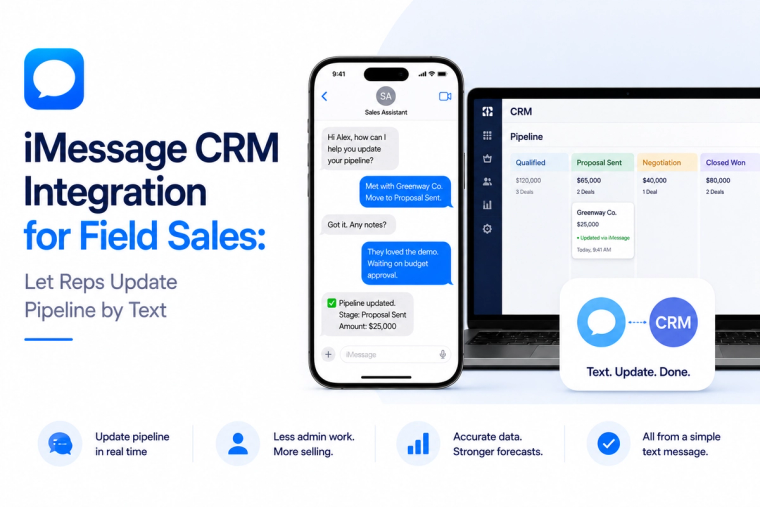
Learn how an iMessage CRM integration can help field sales reps query deals, log calls, update stages and create next steps by text without adding more CRM admin.
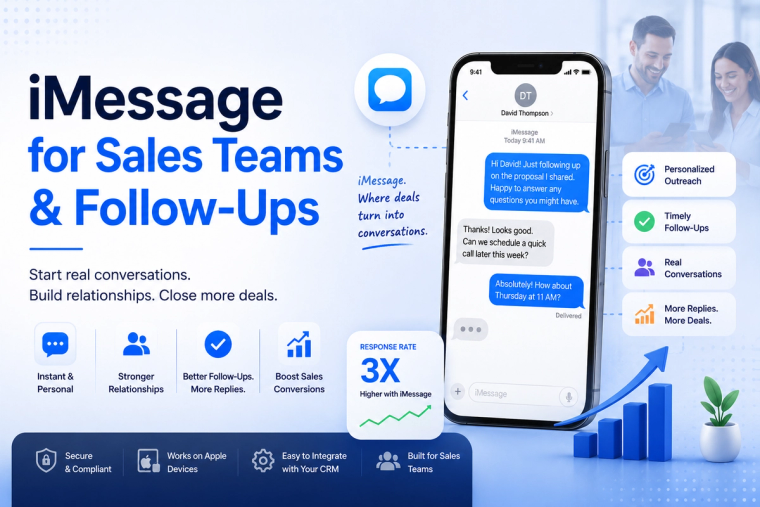
Send personalized iMessages from your sales workflow, automate follow-ups and sync replies with your CRM so representatives can keep conversations moving.
MessageBlue vs SendBlue vs LoopMessage vs BlueBubbles — an honest breakdown of the iMessage API landscape, and how to pick the right one for reliability, spam protection and enterprise isolation.